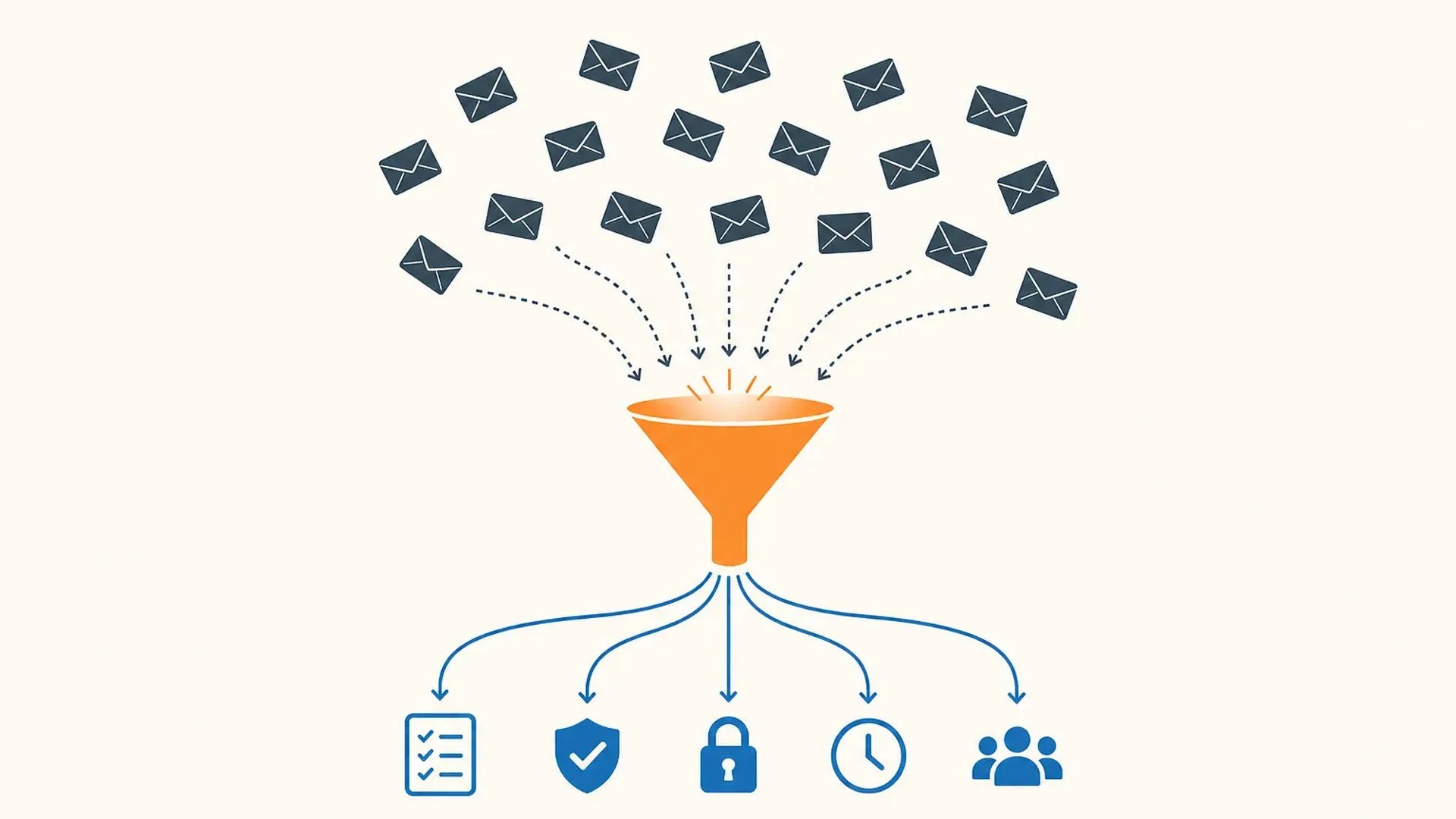
Practice management sits at the back of every accounting firm's stack. It is not the tool that impresses clients or wins work. It is the one that stops jobs falling through the cracks, keeps track of what every team member is doing, and gets clients to respond to document requests before deadlines pass.
Getting it wrong costs more than the subscription. A firm running three separate tools for workflow, client portal, and billing usually spends more time on admin than a firm that has consolidated into one platform. This guide covers the seven tools that handle accounting practice management well in 2026, says what each one is for, and narrows the list by firm size, location, and service mix. Capability details come from vendor-published specs, compared with the same methodology across every category.
What practice management software actually covers
The term gets used loosely. In this guide it means four things: workflow (tracking jobs through recurring task templates), client portal (where clients upload documents, sign agreements, and receive messages), time and billing (tracking hours and raising invoices), and client management (a CRM that holds the client record and contact history). Not every tool does all four. Some do one or two well and leave the rest to other software.
The short rule: match what you buy to whatever is slowing your firm down.
All-in-one platforms
Karbon
Karbon is built around a shared inbox. Client emails route into a team workspace attached to the client record and the open job, so anyone can pick up a file without a briefing. If email is where your firm's work lives and handover means forwarding threads across personal inboxes, Karbon fixes that at the source instead of working around it.
The Team plan is $59 per user per month (billed annually) and covers shared email management, workflow templates, a client portal, document management, and billing. Business at $89 adds automation rules that move jobs between pipeline stages and send clients reminders when documents are outstanding. Enterprise pricing is custom.
The standout feature is AI summarization of long client email threads, which saves a manager picking up a new file roughly five to ten minutes per client in everyday use. AI-drafted reply suggestions and task creation from inbound emails come with it. Karbon works for firms in the US, UK, Australia, Canada, and more than thirty other countries.
There is no free trial or free tier, which is worth knowing before you schedule the demo.
Fits: Firms with five to fifty staff where missed handovers and scattered client emails are the main friction point. Does not fit: Solo practitioners with no team handoffs; tax-first practices that need built-in pre-filing questionnaires inside the portal.
TaxDome
TaxDome centers on the client portal and the tax-return cycle. Pre-filing questionnaires that clients complete inside the portal replace the email chase that burns time during filing season. Workflow templates arrive pre-configured for tax-return seasons, so a five-person firm can be running standardized intake-to-filing pipelines within a week of onboarding.
Pricing is annual: Essentials at $800 per user per year (roughly $67 per month), Pro at $1,000 (or $100 per seat per month if billed monthly), Business at $1,200. There is no free trial.
The branded client portal is the strongest part, with document collection, secure messaging, e-signatures, and billing in one place. The trade-off is that the product is shaped around tax preparation. Firms doing mostly bookkeeping or advisory work find the templates need more customization to match their work cycle.
Fits: Solo and small tax-heavy firms that want one platform for client portal, workflow, billing, and pre-filing organizers. Does not fit: Firms that want to trial before committing; non-tax practices; teams focused on collaboration rather than client-facing workflow.
Canopy
Canopy is US-only and has the broadest AI feature set of any platform in this guide. The Standard plan at $74 per user per month (billed annually) includes a CRM, workflow, client portal, document management, invoicing, payments, and AI tools that generate client checklists, summarize email threads, and auto-fill forms from existing client data. Plus at $109 adds automated workflow triggers and custom roles. Premium at $149 adds capacity planning and revenue reporting. A free trial is available.
It works with Drake, ProConnect, and UltraTax, which makes it a strong fit for US tax-prep firms. IRS transcript pulls and notice tracking come through the Tax Resolution module.
Fits: US tax-prep firms on Drake, ProConnect, or UltraTax that want one platform with built-in AI across workflow and document handling. Does not fit: Firms outside the US; practices that want modular pricing rather than a bundled suite.
Workflow and portal tools
Financial Cents
Financial Cents gives solo and small US and Canadian firms workflow, a passwordless client portal, billing, proposals, e-signatures, and time tracking in one tool at a much lower cost than the all-in-one platforms above. The Solo plan is $19 per month for a single user. Team starts at $49 per user per month (annual billing), and Scale adds automation and an open API at $69. Every tier comes with a 14-day free trial, no card required.
At this price, the passwordless portal is what sets it apart. Clients click a link rather than logging in with a password, which removes the friction that delays document submissions. Financial Cents works with QuickBooks, Gmail, Outlook, Zapier, and SmartVault. It is built around QuickBooks Online, so firms on Xero should check that the connection covers what they need before committing.
Fits: Solo and small US or Canadian firms on QuickBooks that want workflow, portal, and billing at the lowest cost of entry. Does not fit: Firms outside the US and Canada; practices needing deep tax-organizer or e-signature workflow.
Jetpack Workflow
Jetpack Workflow does one thing: it tracks recurring client jobs through templated checklists. There is no client portal, no billing, and no document management. Firms that already handle those elsewhere tend to find the narrow scope helps rather than hurts, because there is nothing extra to configure and most are running their first templates within a day of signing up.
Pricing is $40 per user per month on annual billing or $49 month to month. There is a 14-day free trial with no credit card, and annual plans include a 30-day money-back guarantee. The platform is available globally. Over 6,000 accounting and bookkeeping firms use it across 18 countries, and it works with QuickBooks, Gmail, Outlook, and Zapier.
Fits: Solo and small firms that need recurring-job templates without billing or portal features bundled in. Does not fit: Firms that want an integrated client portal, billing, or document management.
ClientHub
ClientHub puts the client portal first. Like Financial Cents, it uses a passwordless link: clients receive a link, click through, and can upload documents, sign agreements, and pay invoices without creating an account. What sets ClientHub apart is the AI layer included at every plan tier, not just the top one. Magic Workflow generates task lists from a job description. Magic Messages drafts the client-facing messages your team writes over and over each week.
Solopreneur is $49 per month for a single user. Practice Manager at $59 per user per month and Practice Manager Plus at $79 both use annual billing. The Plus tier adds QuickBooks Online and Xero connections. A 14-day free trial is available. The platform serves the US market.
Fits: Solo and small US firms that want a passwordless client portal with AI-drafted messages included at every price point. Does not fit: Firms with clients outside the US; mid-sized practices needing deep tax-organizer workflow.