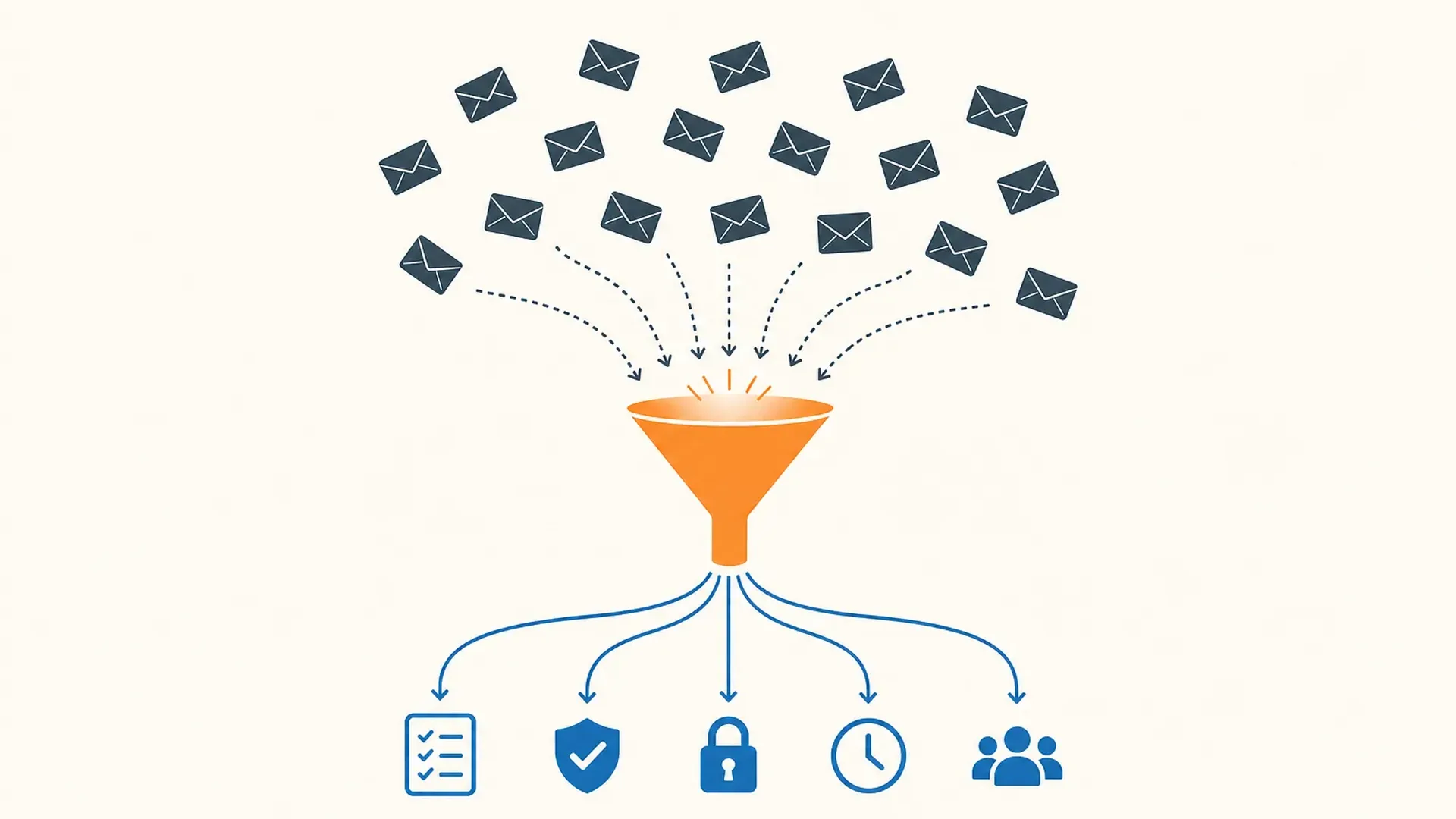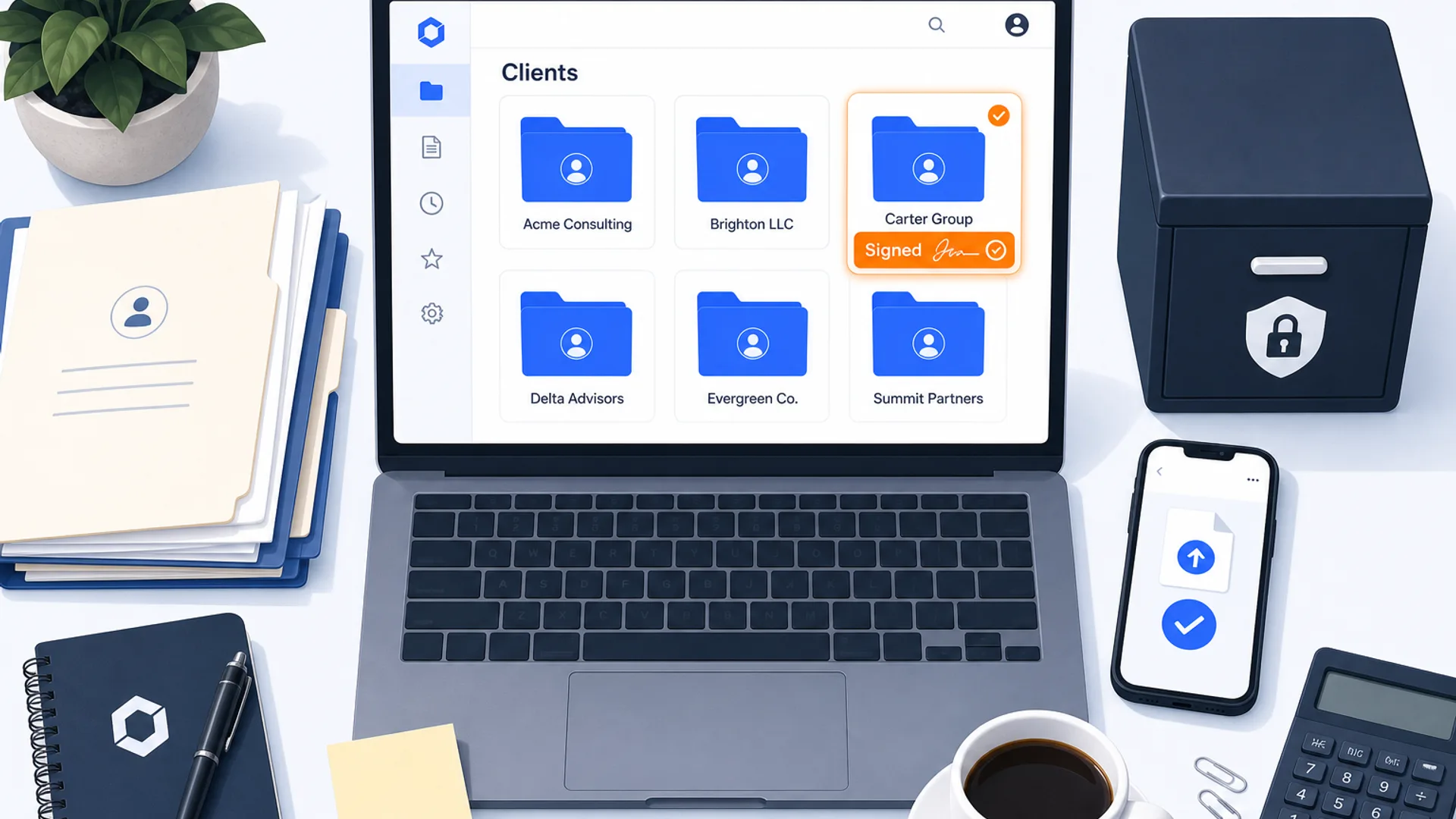
Ask three accounting firm owners what "document management" means and you get three different answers. One means the folder structure where client files live. Another means the place clients upload a W-2 without emailing it as an attachment. A third means proving, three years later, that a signed engagement letter still exists and has not been altered. The tools sold under this label answer different pieces of that question, and none of the six practice-management platforms in CurateSuite's catalog that handle document management sell it as a standalone product. Each one bundles storage, retrieval, and sign-off into a different core job, and that job, not the storage feature itself, is what actually decides which tool fits your firm.
That bundling has a practical consequence worth knowing before you shop: only one of the six, Glasscubes, publishes an actual storage capacity number (500 GB up to unlimited, depending on tier). The other five, TaxDome, Canopy, Keeper (now Double), ClientHub, and Financial Cents, fold document storage into a flat per-user or per-firm fee with no published cap. You cannot compare "how much room do I get" across most of this category the way you can compare price, because most vendors do not publish the number.
The short answer
- Tax-heavy practices that want organizers and e-signature in one login: TaxDome bundles document management into tax-cycle client portal work, from $800 per user per year.
- US tax firms doing IRS resolution and notice handling: Canopy pairs document storage with direct IRS transcript pulls, from $74 per user per month.
- Bookkeeping practices closing books monthly: Keeper (now Double) handles document collection as part of month-end close review, from $200 per firm per month, but it does not do e-signature.
- Solo or small US firms that want a light, passwordless setup: ClientHub or Financial Cents, from $49 and $19 a month respectively.
- UK firms, or any firm that needs a published storage limit and a named security certification: Glasscubes is ISO 27001-certified with tiered storage from 500 GB to unlimited.
- If the actual bottleneck is turning a photographed receipt into ledger data, not filing a finished document: that is document capture, not document management. See the full guide to OCR and document capture software instead.
The rest of this article breaks down what each tool bundles document management with, compares them on storage, security, and e-signature, and works through how to choose without paying for a job you do not have.
Document management versus document capture
The two get talked about as if they are the same purchase. They are not. Document capture reads an image or a PDF and pulls structured fields out of it, vendor, date, amount, line items, so a receipt or invoice can post to the ledger without retyping. Document management is what happens to a file after it exists: where it lives, who can open it, how long it stays, and whether a client or a regulator can retrieve a specific version months or years later.
A firm can have excellent capture and weak document management, or the reverse. Dext and Hubdoc extract data from receipts and invoices well, but neither is built to be the permanent, organized archive for a client's signed tax return or engagement letter. Conversely, a tool like Glasscubes stores and organizes documents cleanly but does not read a receipt image and code it to a ledger account. For the extraction side of this problem, including which tools pull line-item detail from a supplier invoice, see our guide to invoice OCR software and the document capture and extraction category. This article stays on the other side: what happens to the document once the data has already been pulled out of it.
Where document management gets bundled, tool by tool
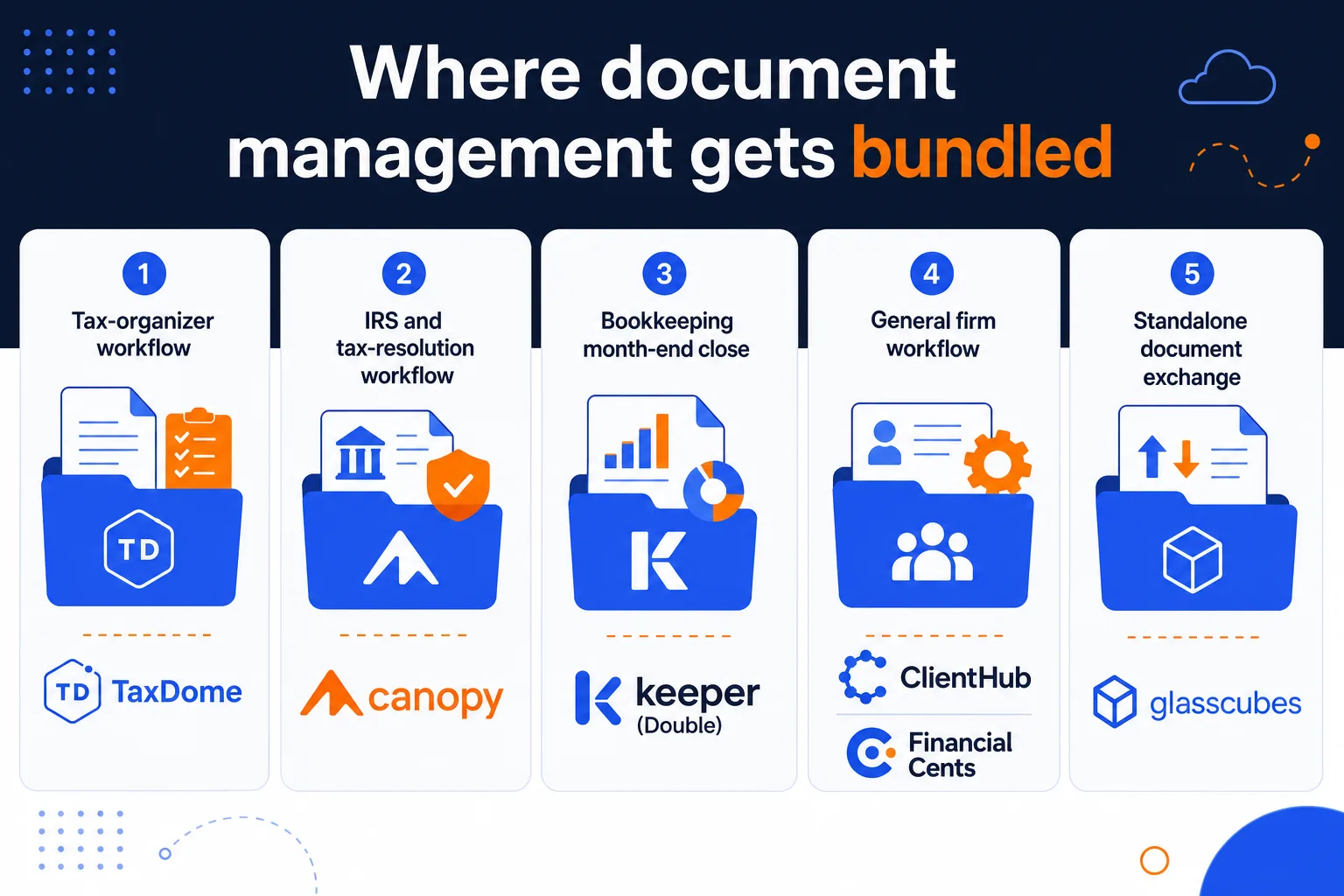
None of the six tools below sells document storage on its own. Each wraps it inside a different core job, which is the real decision variable.
Tax-organizer workflow: TaxDome
TaxDome treats document storage as part of the tax-prep cycle. Clients complete pre-filing organizers inside the portal, upload W-2s and 1099s, and e-sign the finished return, all inside the same account where the documents then stay filed by client and by year. AI-assisted classification sorts incoming uploads into the right folder, and the tool flags a document type a client submitted last year but has not uploaded this year. Pricing runs from $800 per user per year on the Essentials tier up to $1,200 on Business, billed annually with no free trial. TaxDome serves firms in the US, UK, Australia, Canada, and Europe, though its templates and e-signature framework are shaped around US tax work.
IRS and tax-resolution workflow: Canopy
Canopy bundles document storage with US tax-resolution work specifically: IRS transcript pulls, notice tracking, and e-Services integration sit alongside a branded portal for document exchange and e-signatures. The AI layer files inbound IRS notices and client documents into the right client folder automatically. Pricing starts at $74 per user per month on the Standard plan, rising to $149 on Premium, with custom Enterprise pricing above that. A free trial is available. Canopy is US-only, and the resolution features are the reason to pick it over a more general practice tool.
Bookkeeping month-end close: Keeper (now Double)
Keeper, rebranded as Double, takes a narrower view of document management: it is the collection point for the documents a bookkeeping close needs, W-9s, missing statements, client queries, tied directly to QuickBooks Online or Xero. What it does not have is e-signature. If your firm needs signed engagement letters or organizer sign-off inside the same tool, Double is not built for that job; it is built to keep close-time documents out of email while the books get reviewed. Pricing starts at $200 per firm per month with unlimited users, based on connected client count rather than headcount.
General firm workflow: ClientHub and Financial Cents
ClientHub and Financial Cents both fold document handling into a lighter, general practice-workflow product aimed at solo and small US firms, rather than a tax-specific or bookkeeping-specific one. Both use a passwordless portal: clients click a link, upload a file, and sign an agreement without creating an account. ClientHub connects e-signature through SignWell and starts at $49 a month for a single user. Financial Cents includes e-signatures natively and starts at $19 a month for its Solo plan, with SmartVault available as an add-on integration on the Scale tier for firms that want dedicated document storage layered underneath. Neither publishes a storage capacity figure; both fold it into the seat price.
Standalone document exchange: Glasscubes
Glasscubes is the one tool here that is not wrapped around tax prep, IRS work, or bookkeeping close. It is a document exchange built for personal tax, audit, VAT, payroll, and bookkeeping requests across a UK practice, and it is the only one of the six that publishes actual storage numbers: 500 GB on the Essential tier, 2 TB on Professional, unlimited on Advantage. It is also the only one that names a specific security certification, ISO 27001, alongside GDPR compliance and two-factor authentication on every account. Pricing is in GBP with a per-user component and no published USD equivalent, and there is no free trial.