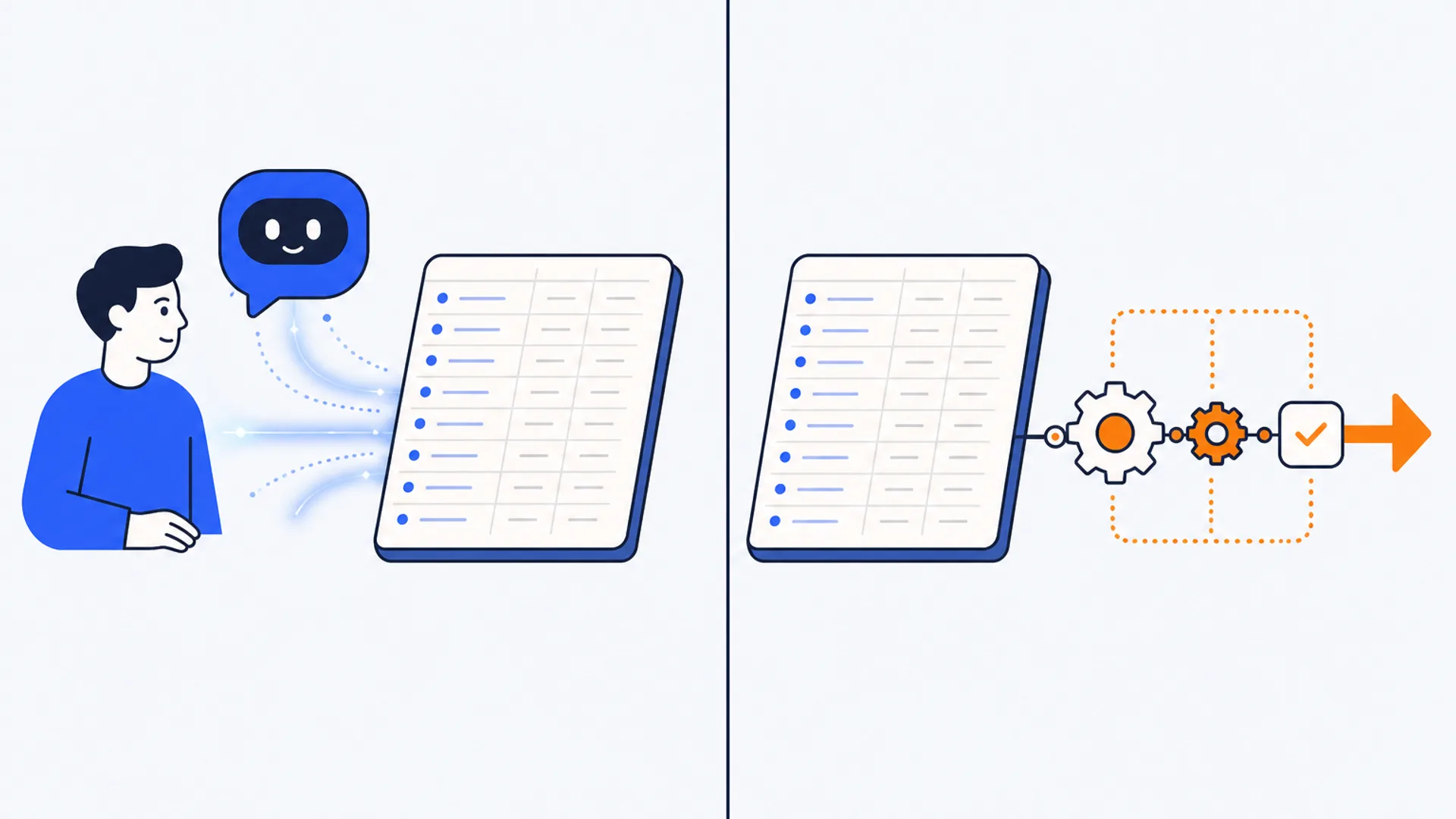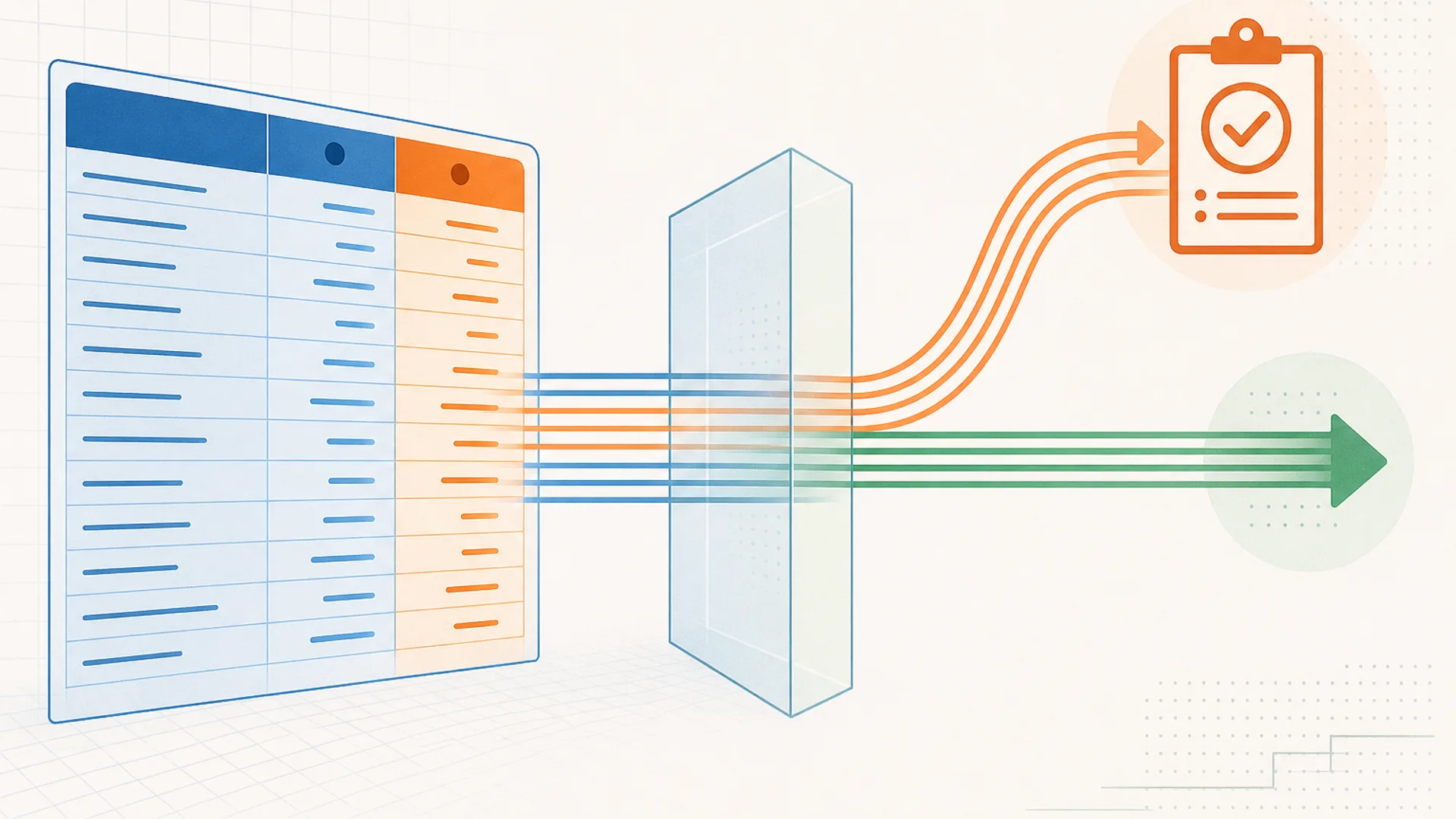
"Automated journal entries" sounds like one feature. Read the vendor documentation across the tools that actually offer it and it splits into two different products wearing the same label. Some post an entry straight to the general ledger once the software's confidence in it clears a threshold, no person involved unless something looks wrong. Others draft every entry and stop, waiting for an accountant to approve it before anything touches the ledger. Neither approach is wrong, but they are not the same purchase, and a vendor's marketing page rarely spells out which one you are buying.
That split, checked against what each tool in our core ledger and bookkeeping catalog actually documents, is the finding this article works from. For the full pricing and category breakdown of AI bookkeeping software generally, the hub guide, Best AI bookkeeping software in 2026, covers that ground. This piece stays narrower: which tools handle journal entries specifically, how each one decides what posts on its own, and how to turn the feature on in your own firm without losing track of what the software just did.
What "automated journal entries" actually covers
A journal entry is the raw record: a debit and a credit, dated and coded to an account. Automating it can mean drafting that entry from a source document (a bank statement, an invoice, a workpaper) so a person only has to review it, or it can mean posting the entry straight into the ledger once the software is confident enough that a person does not need to look at it first. Vendors use "automated" for both, and the difference matters more than most feature lists let on.
The clearest place to start automating is the entries that repeat on a fixed schedule: accruals, prepaid expense amortization, depreciation, deferred revenue recognition. These follow the same pattern every period, which is exactly the kind of task software handles well, and it is a safer proving ground than handing a tool your one-off, judgment-heavy entries on day one.
The real split: which tools post on their own, and which wait for you
Here is what the vendor documentation for the tools built around journal entries actually says, read side by side rather than taken from a single feature page:
| Tool | What happens to the entry | Where the human checkpoint sits |
|---|---|---|
| Botkeeper | Posts straight to the general ledger once confidence is high | Anything below the confidence threshold is routed to a person |
| Truewind | Drafts every entry from bank statements and workpapers | An accountant reviews and approves every entry before it posts |
| Rillet | AI agents automate entries continuously as part of a "zero-day close" | A separate AI agent handles "controller-level review"; the vendor does not say whether a person also signs off |
| Keeper, now Double, | Primarily audits entries already posted in QuickBooks or Xero, with AI-assisted categorization on bank feeds and journal entries | Flags miscategorizations and gaps for a person to fix before close |
| Numeric | Journal entry automation ships only on the Enterprise tier | Preparer and reviewer roles are built into every tier below it |
| Dokka | Posts AP entries once the approval workflow clears | Approval routing gates every posting by design |
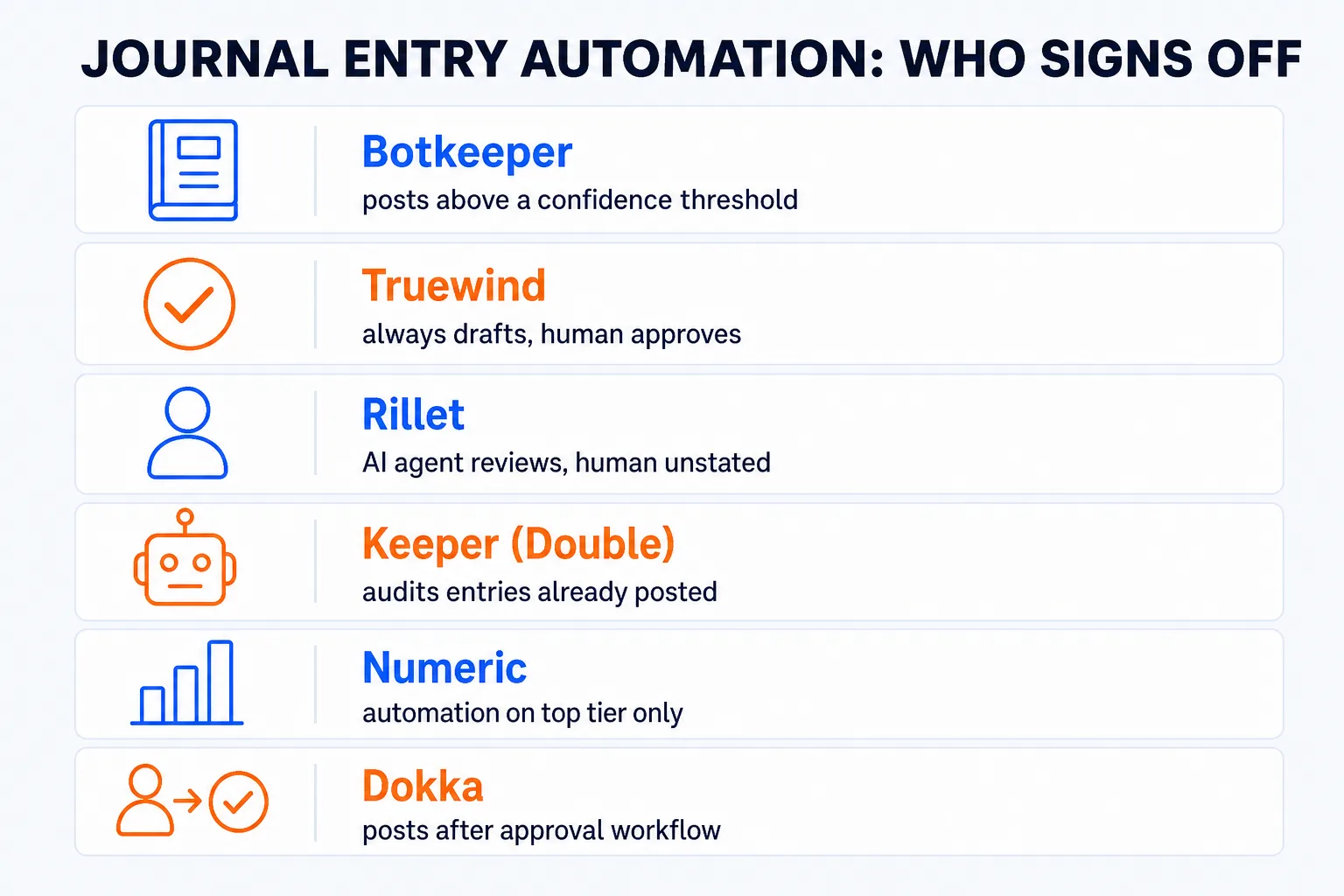
Botkeeper and Truewind are the two most explicit about it, and they land on opposite answers. Botkeeper's own FAQ says high-confidence entries post automatically and the rest gets surfaced for review. Truewind's says a human reviews and approves before anything is finalized, full stop, no confidence tier that skips the person. Dokka's approval workflow is a third model again: the gate is procedural (does this invoice have sign-off) rather than statistical (is the software confident enough).
Rillet is the interesting outlier. Its own FAQ describes a "controller-level review" agent as part of the automation, which reads like a checkpoint, but it is an AI agent doing the reviewing, not a stated human sign-off, and the documentation does not say a person also looks at the entry before it lands in the zero-day close. If continuous auto-posting without a named human checkpoint is a problem for how your firm wants to run a client's books, that is a question worth asking directly in a Rillet demo rather than assuming the answer either way.
Best tools for automated journal entries
For a firm automating day-to-day bookkeeping entries
Botkeeper is built for accounting firms running many client books on QuickBooks Online or Xero, not for a single business. It categorizes transactions, reconciles bank accounts, and automates journal entries, posting the high-confidence ones and surfacing the rest. Pricing is per license per month and falls with volume, from about $134 at one to four licenses down to roughly $53 at 25 or more, which rewards a firm with real client count rather than a solo practice.
Truewind fits a firm doing outsourced accounting for US startups. It turns bank statements and workpapers into general-ledger-ready entries and reconciliations on top of QuickBooks, Xero, Sage Intacct, or NetSuite, and keeps a human review step on every entry rather than any auto-post tier. It is sales-quoted, with no published price, and US-only.
Keeper, now Double, is not a drafting tool in the same sense as the two above. It sits inside QuickBooks Online or Xero and primarily audits what is already there: miscategorizations, reconciliation gaps, and journal entries worth a second look before close sign-off. The vendor also describes AI-assisted categorization on bank feeds and journal entries that cuts routine month-end work, so the line between reviewing and touching an entry is not absolute. Firms managing large client loads report handling upwards of 175 accounts with a small team. Pricing starts at $200 per firm per month with a free trial available after an onboarding demo.
For a growing finance team
Rillet is a cloud ERP built to replace NetSuite or Sage Intacct for companies that have outgrown QuickBooks. AI agents automate journal entries, reconciliation, and intercompany eliminations continuously, the "zero-day close" pitch, with a separate review agent in the loop as noted above. Pricing is not published and every plan is quoted after a demo.
Numeric runs the month-end close as one workspace with preparer and reviewer roles built in from the entry-level Essentials tier, at about $30 per user per month. Journal entry automation itself, alongside transaction monitoring and cash management, is reserved for the custom-quoted Enterprise tier, so check which tier you are actually pricing before assuming the feature is included.
For a mid-market team automating AP into the ledger
Dokka automates accounts payable and posts the resulting entries to whichever ERP a team already runs (NetSuite, Sage, Xero, or QuickBooks among others), gated by an approval workflow rather than a confidence score. It is sales-quoted, with third-party sources suggesting an entry point in the low hundreds of dollars a month, worth confirming directly.
For an in-house team with a formal close and audit requirements
FloQast and Trintech both fold journal entry management into a broader close platform: task tracking, reconciliations, flux analysis, and (for Trintech) intercompany work, aimed at mid-market and enterprise accounting teams rather than firms serving many small clients. Both are sales-quoted, with FloQast's third-party pricing estimates starting around $12,000 a year. Neither is built for a solo practice or a small firm's typical client mix; they earn their cost once reconciliation and close volume have genuinely outgrown a spreadsheet.