CurateSuite
Comparison9 min read

Dext vs AutoEntry vs Hubdoc: Which Data Capture Tool Fits Your Firm?

Dext, AutoEntry, and Hubdoc all capture receipts and invoices, but Dext will not tell you its price. A three-question filter picks the right tool without it.

By CurateSuite
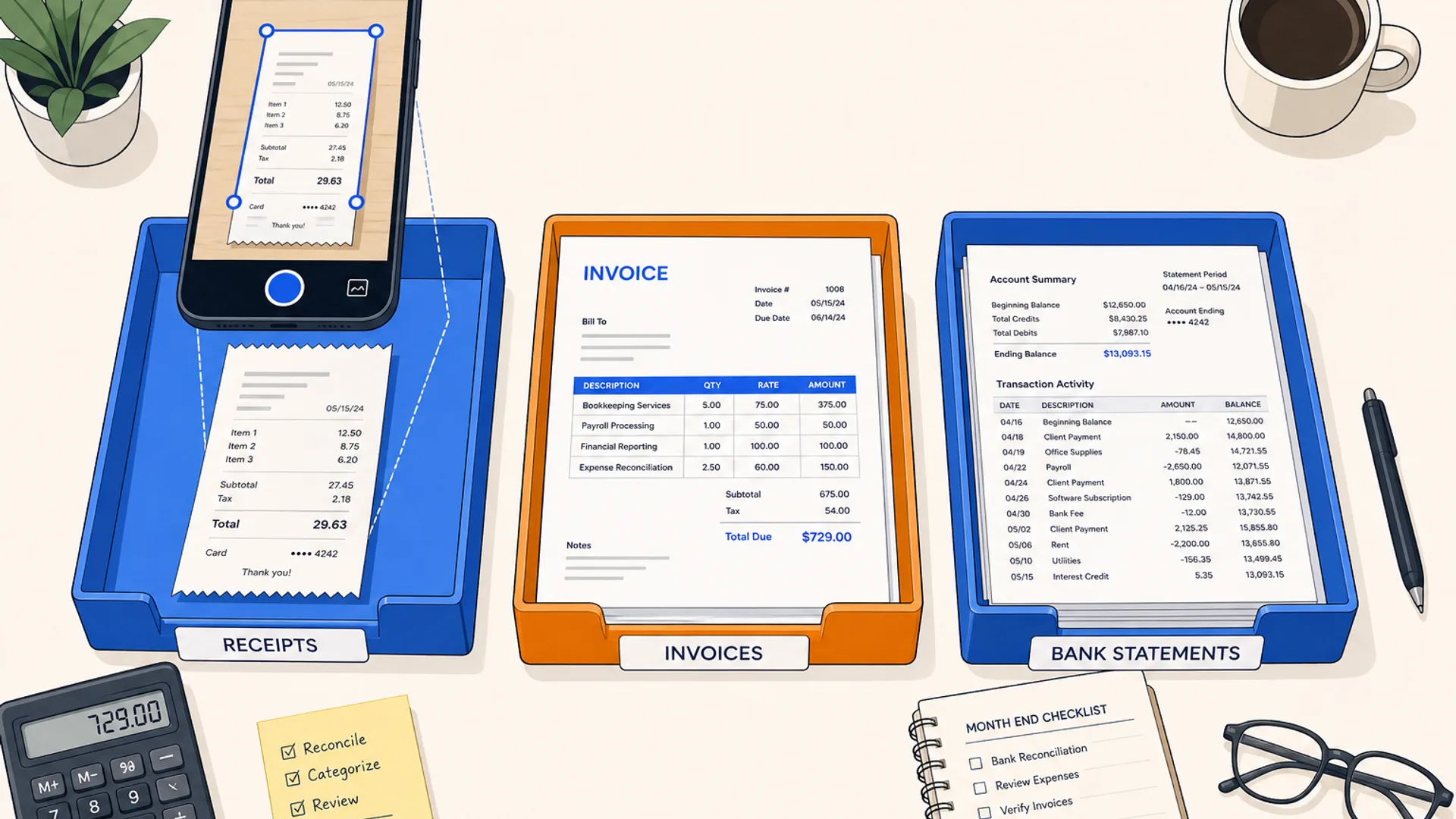
Overhead flat-lay of a bookkeeper's desk with three separate document trays labeled with a receipt, an invoice, and a bank statement, a smartphone mid-scan above one tray, on a warm off-white surface with brand blue and orange accents

Dext, AutoEntry, and Hubdoc all do the same basic job: read a receipt or invoice and post the data into your ledger. Where they differ is what they charge for and what they connect to, and one of the three makes a straight price comparison impossible. Dext no longer publishes a price list. Sales quotes it based on your document volume and user count, so any article that lines up three numbers side by side is guessing at one of them. AutoEntry's credit pricing and Hubdoc's flat, largely-free-with-Xero pricing sit fully in the open by contrast, two of the five pricing mechanisms these tools use to charge.

Rather than pad out a pricing table with a placeholder for Dext, this article works from a three-question filter: which ledger you run, how much document volume you actually push through each month, and whether you need AI coding suggestions or just clean extraction. Answer those and the choice narrows itself, custom quote or not.

The short answer

  • For complex, multi-currency, or high line-item invoices on QuickBooks, Xero, or Sage, pick Dext. Its extraction and coding suggestions hold up better than the other two on messy documents, and pricing is negotiated around your actual volume rather than forced into a fixed tier.
  • If document volume is uneven across clients, or a team adds staff faster than it adds clients, AutoEntry fits best. Credits carry over for 90 days and every tier includes unlimited users, so headcount growth does not move the bill.
  • Firms already paying for a Xero plan with mostly simple bills should look at Hubdoc. It is included at no extra cost on paid Xero plans, and standalone pricing runs about $12 per business per month if you are not on Xero but are on QuickBooks.
  • Running Sage, FreeAgent, KashFlow, or ClearBooks: Hubdoc drops out. It only connects to Xero and QuickBooks. That leaves Dext or AutoEntry.

The three-question filter

Skip the sales call for a minute and answer these in order. Most firms land on an answer after the second question.

1. Which ledger are you on?

Hubdoc connects to Xero and QuickBooks only. If your client is on Sage, FreeAgent, KashFlow, or ClearBooks, Hubdoc is out regardless of price, and the choice is between Dext and AutoEntry, both of which cover all of those plus Xero and QuickBooks.

2. How much document volume are you pushing, and how messy is it?

Low volume, mostly clean single-line bills: Hubdoc (free with Xero) or AutoEntry's entry tier both handle this without paying for capability you will not use. High volume with multi-currency documents, foreign-language receipts, or invoices with many line items: Dext's extraction is built for that case, and the custom quote reflects it rather than forcing you into a generic per-document rate.

3. Do you need AI coding suggestions, or just extraction?

This is the question that gets skipped most often. Dext suggests a ledger account and tax treatment based on how a vendor has been coded before, and the suggestions improve as it sees more transactions from the same client. AutoEntry and Hubdoc extract the fields (supplier, date, amount, tax) and post them, but neither one suggests the coding. If your bottleneck is data entry, all three help. If your bottleneck is the review and coding step after data entry, only Dext addresses it directly.

Dext: custom-quoted capture for complex invoices

Dext works with QuickBooks, Xero, Sage, and Excel, and captures receipts, invoices, and bank statements through a mobile app, a browser extension for supplier portals, and a dedicated forwarding email address. The categorization rules build up from prior postings, so a client's regular suppliers need less manual correction over time.

Pricing is no longer published. Plans are quoted by sales and built around user count and monthly document volume, with a free trial available but no permanent free tier. Dext's own guidance is that firms with fewer than around 50 documents a month per client rarely see enough of an accuracy gap over free options to justify the cost. Dext's case is strongest on volume and complexity, not on being the cheapest way to capture a handful of receipts. For a closer look at how Dext's line-item extraction compares against invoice-specific tools, see best invoice OCR software in 2026.

AutoEntry: credit-based capture with unlimited users

AutoEntry reads receipts, invoices, bank statements, and supplier documents and posts the figures into Sage, Xero, QuickBooks, FreeAgent, KashFlow, or ClearBooks, the widest ledger list of the three. Pricing runs on credits rather than seats: one credit per document, plans from $13 a month for 50 credits up to $469 a month for 2,500, and every tier includes unlimited users with a 90-day credit rollover. A free trial comes with 25 credits and no card required.

That credit model is the practical difference from Dext. A firm that adds a bookkeeper or two does not move up a tier, only rising document volume does. AutoEntry is also recognized by HMRC for Making Tax Digital workflows, which matters for UK practices building toward MTD compliance. What it does not do is suggest coding. It extracts and posts, and firms that want AI-driven account suggestions on top of extraction need to look at Dext instead.

Hubdoc: free with Xero, narrow beyond it

Hubdoc logs into supplier portals and bank accounts on a schedule, fetches new bills and statements automatically, and pushes the extracted data to Xero or QuickBooks. It connects to those two ledgers only, nothing else. Hubdoc is owned by Xero and comes included at no extra cost on any paid Xero plan. Firms not on a qualifying Xero subscription can run it standalone from about $12 per business per month, with a free trial and no card required.

Because pricing is per business rather than bundled across a firm's whole client list, a firm running Hubdoc standalone for many small clients pays that $12 rate separately for each one. For firms already paying for Xero, the calculation barely matters: the tool is already covered. For everyone else, the per-entity charge is worth weighing against AutoEntry's credit model before committing a full client list to Hubdoc.

Feature and pricing comparison

Feature areaDextAutoEntryHubdoc
Pricing mechanismCustom quote (users + volume)Per document creditPer business, free with paid Xero
Starting priceNot published$13/month (50 credits)$0 with Xero, $12/business standalone
LedgersQuickBooks, Xero, Sage, ExcelSage, Xero, QuickBooks, FreeAgent, KashFlow, ClearBooksXero, QuickBooks only
Unlimited users includedNo, quoted per userYes, every tierNo, per business
AI coding suggestionsYesNo, extraction onlyNo, extraction only
Best forComplex, high-volume, multi-currency documentsUneven volume, growing headcountXero clients on simple bills
Free trialYes, no permanent free tierYes, 25 creditsYes

Prices come from vendor-published pages and are re-checked with each article update.

Ledger fit narrows this before pricing does

Before either pricing model matters, check what the client's ledger actually supports. Hubdoc's Xero-and-QuickBooks-only scope rules it out immediately for any client on Sage, FreeAgent, KashFlow, or ClearBooks. AutoEntry covers the widest set of the three, which makes it the default when a firm's client list is spread across more than two ledger platforms. Dext sits between the two: narrower than AutoEntry on ledger count, but it is the only one of the three offering coding suggestions on top of extraction, which is a separate axis from ledger fit entirely.

Capture is only one part of what a firm needs from its document workflow. None of these three tools are built for long-term filing, retention, or an audit trail across a client's full document history. That is a different job. For the storage and retention side once documents are captured, see AI document management for accounting firms: what works. And capture itself is one of several places bookkeeping hours disappear; for the categorization and reconciliation side of the same client books, see AI bookkeeping tools compared: what actually saves time.

Running the filter on three real setups

A UK bookkeeping firm, mostly Xero clients, 20 to 60 documents a month per client. Ledger says Xero. Volume is moderate and mostly simple bills. Coding suggestions are not the bottleneck, data entry is. Answer: Hubdoc, already covered on paid Xero plans.

A US firm on QuickBooks with a handful of larger clients sending multi-currency invoices with many line items. Ledger fits either Dext or AutoEntry. Volume and complexity point to Dext. Coding suggestions would also help here, since these clients generate the same suppliers repeatedly. Answer: Dext, and the custom quote is worth getting.

A growing firm on a mix of Sage and FreeAgent clients, adding a bookkeeper every quarter. Ledger rules out Hubdoc. Between Dext and AutoEntry, the deciding factor is headcount growth: AutoEntry's unlimited users on every tier means adding staff does not move the bill, where Dext's per-user quote would. Answer: AutoEntry.

Common questions

Is Dext or AutoEntry cheaper?

There is no clean answer because Dext does not publish a number. AutoEntry starts at $13 a month for 50 document credits with unlimited users, so its floor is visible. Dext's quote depends on document volume and user count, and firms with complex, high-volume documents sometimes find Dext worth the premium for the coding suggestions and extraction accuracy it adds, while firms with simple documents rarely see enough of a gap to justify asking for a quote at all.

Do I need all three, or just one?

Most firms need one primary tool, matched to their dominant ledger and document profile. Some firms run two: Hubdoc for simple Xero clients where it is already covered, and Dext or AutoEntry for the larger or more complex accounts where the free option starts needing too much manual correction. Running all three at once is rare and usually a sign the firm has not settled on a standard client onboarding process yet.

Which of the three works with QuickBooks?

All three. Dext, AutoEntry, and Hubdoc each connect to QuickBooks. The difference shows up on the rest of the ledger list: AutoEntry adds Sage, FreeAgent, KashFlow, and ClearBooks; Dext adds Sage and Excel; Hubdoc adds nothing beyond QuickBooks and Xero.

Can I use Hubdoc for some clients and Dext for others?

Yes, and it is a common split. Hubdoc handles simple Xero clients at no extra cost, and Dext takes the clients with higher volume, multi-currency documents, or complex line items where the coding suggestions and stronger extraction pay for themselves. The two tools do not need to be exclusive across a firm's client list.

Does AutoEntry offer AI coding suggestions like Dext?

No. AutoEntry extracts supplier, date, amount, and tax fields and posts them to the ledger, but it does not suggest which account or tax treatment to use the way Dext does. If coding suggestions on top of extraction are the priority, Dext is the tool built for that, and AutoEntry is worth choosing instead for its unlimited-user credit pricing and wider ledger list.

If you want a firm-specific answer rather than working through the filter by hand, the CurateSuite matchmaker takes a few questions about your ledger, document volume, and team size and returns the fit, no email required to see the results. You can also browse the full document capture and extraction category if none of these three end up matching your firm's setup.

Find the right AI tools for your firm

Seven questions, two minutes, a short list of the five tools that fit your firm best. Your results, instantly. No sign-up needed.

Take the matchmaker

Tools referenced in this article

More articles

Last updated 2026-07-15. Tool comparisons are based on vendor-published specs. See our methodology.