CurateSuite
Comparison10 min read

Karbon vs Canopy vs TaxDome: Practice Management Tools Compared

Karbon is built around a shared inbox, TaxDome around tax organizers, Canopy around IRS resolution. Only one of the three offers a free trial before the annual contract starts.

By CurateSuite
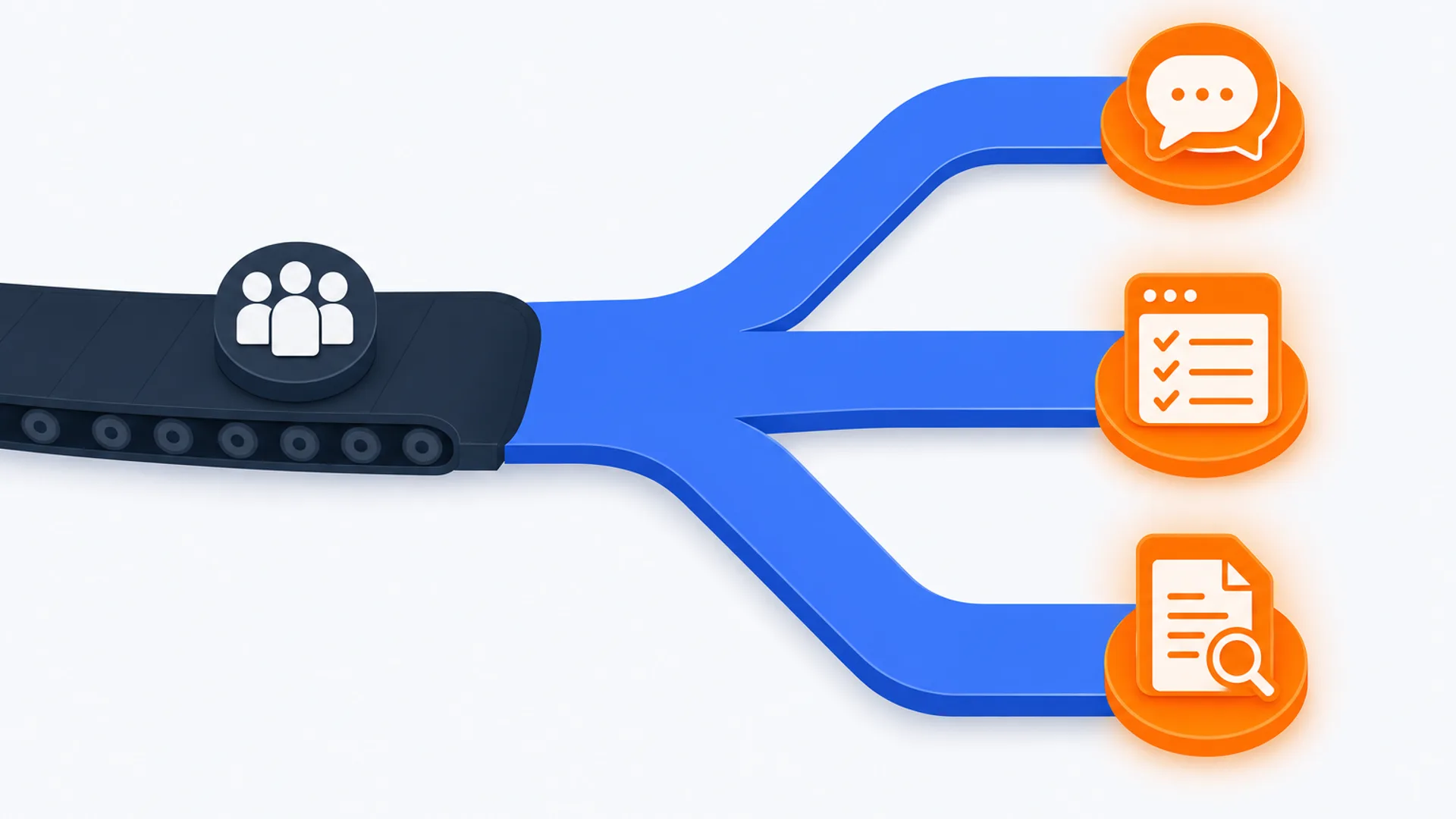
Flat editorial illustration, elevated three-quarter angle, on a warm off-white background: a single deep-slate conveyor belt enters from the left carrying a small group-of-people icon, then splits into three separate brand-blue lanes fanning toward the right. Each lane ends in a distinct glowing orange icon: a shared-inbox speech-bubble icon, a checklist-inside-a-window portal icon, and a document-with-a-magnifying-glass icon. No desk, laptop, phone, document tray, or coffee cup in the scene.

Karbon, Canopy, and TaxDome all show up on the same shortlist because they all promise to replace a firm's scattered CRM, document tools, billing, and client portal with one login. Past that shared pitch, each was built around a different bottleneck. Karbon treats client email as the spine of the work, routing it into a shared workspace so a team never loses context on a handover. TaxDome puts a tax-cycle client portal at the center, with pre-filing organizers that move the document chase into a structured form. Canopy leans into US tax resolution, with direct IRS transcript pulls and notice tracking built into the base plan.

That split matters more than any feature checklist, and it hides a second split most firms miss until the contract is already signed: of the three, only Canopy offers a free trial. Karbon and TaxDome both require a firm to commit to an annual contract before finding out whether the workflow actually fits daily use. This guide works from a three-question filter, the shape of the work, where clients sit, and how much commitment risk the firm can absorb, rather than a side-by-side score that treats all three as interchangeable line items. All three sit inside CurateSuite's broader practice management guide, which compares seven tools across firm size, location, and service mix; this piece narrows to the three firms most often end up choosing between.

The short answer

  • Firms doing mixed compliance and advisory work with a team handing off client files: Karbon's shared inbox and AI email summarization save a manager real time picking up a file cold, from $59 per user per month.
  • US tax-prep firms sending clients pre-filing questionnaires: TaxDome's tax organizers replace the email chase with a structured form inside the portal, billed annually from $800 per user per year.
  • US firms doing tax resolution, audit support, or heavy IRS notice handling: Canopy's built-in IRS transcript pulls and notice tracking are the deepest of the three here, from $74 per user per month, with a free trial to test it first.
  • Firms with clients outside the United States: Canopy is out. It serves the US market only. Karbon and TaxDome both cover the US, UK, Australia, and Canada, with TaxDome adding wider European reach.

The three-question filter

1. What shape is the day-to-day work?

If the bottleneck is scattered client email and handoffs between staff, Karbon is built for exactly that: emails route into a shared workspace tied to the client and the open job, so anyone can act without a briefing. If the bottleneck is collecting tax documents and signatures from clients every filing season, TaxDome's tax organizers and pre-built tax-cycle workflow templates are shaped for that specifically. If the bottleneck is back-and-forth correspondence with the IRS on notices, transcripts, or resolution cases, Canopy's direct IRS integrations exist for that job alone. A firm doing mostly bookkeeping and advisory work rarely needs Canopy's IRS depth; a firm buried in transcript requests rarely needs Karbon's email-collaboration layer.

2. Where do the firm's clients sit?

Canopy is a hard stop for any firm with clients outside the United States; the platform targets the US market only. Karbon and TaxDome both serve firms in the US, UK, Australia, and Canada, and TaxDome extends further into Europe. A firm with even a handful of non-US clients narrows immediately to Karbon or TaxDome, regardless of how well Canopy's IRS features might otherwise fit the domestic side of the practice.

3. How much commitment risk can the firm absorb before it knows the tool fits?

This is the question a feature comparison alone will not answer. Canopy offers a free trial, so a firm can run real client work through it before an invoice arrives. Karbon and TaxDome do not. Karbon bills per user per month but requires an annual contract to unlock its list price. TaxDome bills per user per year upfront, the steepest single commitment of the three, though its Pro tier also allows monthly billing at $100 per seat if a firm wants to avoid the annual invoice. A firm that wants to pilot before signing has exactly one option among these three, and it happens to be the one built for IRS resolution work rather than general workflow or tax-cycle templating.

Karbon: a shared inbox with no trial to test it first

Karbon's defining feature is treating client email as a shared object rather than something buried in a personal inbox. Messages, chat threads, and tasks live in triage views the whole team can see, attached to the client record and the open job. AI summarization of long email threads is the standout capability, saving a manager roughly five to ten minutes per file when picking up work cold, and AI-drafted reply suggestions and task creation from inbound emails come with it.

Pricing runs $59 per user per month on the Team plan (workflow templates, client portal, document management, billing), rising to $89 on Business, which adds automation rules that move jobs between pipeline stages and send clients reminders when documents are outstanding. Enterprise pricing is custom. Both published tiers are billed annually, and there is no free trial or free tier, so a firm evaluates Karbon on a demo and a sales conversation rather than hands-on use with a real client file. Karbon covers the US, UK, Australia, Canada, and more than thirty other countries, which makes it the practical choice for any internationally mixed client base, though it has no IRS resolution features. It does not offer built-in pre-filing tax organizers, so a tax-prep-heavy practice usually still leans on TaxDome or Canopy for that specific workflow.

Canopy: the only one of the three with a free trial

Canopy bundles CRM, workflow, document management, time and billing, and a client portal with AI features, built-in IRS transcript pulls, and notice tracking that neither of the other two platforms match. Standard starts at $74 per user per month and already includes core AI: checklist generation, email thread summarization, and form auto-fill. Plus at $109 adds automated workflow triggers and custom reporting; Premium at $149 adds capacity planning and margin reporting. Enterprise is quoted.

What sets Canopy apart in this three-way comparison has less to do with its IRS features and more to do with its billing terms: it is the only one of the three that offers a free trial, letting a firm run a real evaluation before committing annual budget. The tradeoff is geographic. Canopy targets the US market only, so a firm with any international clients rules it out regardless of how well the trial goes or how deep the IRS integrations are. For a US-only firm doing meaningful tax resolution work, the combination of a trial and IRS depth is hard for either Karbon or TaxDome to match.

TaxDome: the deepest annual commitment, with a monthly option on one tier

TaxDome centers on the client relationship as a branded portal: clients log in once to complete pre-filing tax organizers, sign documents, upload files, and pay invoices, replacing the email back-and-forth that eats time during filing season. Workflow templates ship pre-configured for US tax-return seasons (1040, 1120, 1065, and similar), so a five-person firm can be running standardized intake-to-filing pipelines within a week of onboarding.

Pricing is billed per user per year: Essentials at $800 for a single user, Pro at $1,000 (or $100 per seat per month if billed monthly), and Business at $1,200, adding custom roles and advanced reporting. There is no free trial at any tier, and the annual-upfront structure on Essentials and Business makes TaxDome the largest single commitment of the three before a firm has run real client work through it. TaxDome's reach extends furthest of the three geographically, covering the US, UK, Australia, Canada, and Europe, which makes it the default pick for an internationally mixed, tax-prep-heavy practice that Canopy's US-only scope rules out.

Feature and pricing comparison

Feature areaKarbonCanopyTaxDome
Pricing modelPer user/month, billed annuallyPer user/month, billed annuallyPer user/year, billed annually (Pro also monthly)
Starting price$59/user/month$74/user/month$800/user/year
Core focusShared inbox and team collaborationUS IRS resolution and built-in AITax-cycle client portal and organizers
Free trialNoYesNo
Geographic reachUS, UK, AU, CA, and 30-plus countriesUS onlyUS, UK, AU, CA, Europe, and beyond
Standout AI featureEmail thread summarizationIRS notice and transcript field extractionTax document classification and field extraction
Best forMixed compliance and advisory firmsUS firms doing tax resolution workTax-prep-heavy firms sending pre-filing organizers

Prices reflect what each vendor publishes as of this writing. Confirm the current number on the vendor's own pricing page before committing a client roster to a contract, and use Canopy's trial to test real workflow before assuming any of the three fits.

The trial gap decides this before the feature list does

Work shape narrows the field first: a collaboration bottleneck points at Karbon, a tax-organizer bottleneck points at TaxDome, an IRS-resolution bottleneck points at Canopy. Geography narrows it further, since Canopy drops out entirely for any firm with non-US clients. But for a firm that genuinely cannot tell from a demo whether a tool fits daily use, the trial question overrides both. Canopy is the only one of the three that lets a firm find out before paying, which means a US-only firm torn between Canopy's IRS depth and Karbon's collaboration layer can at least de-risk the Canopy side of that decision before signing anything.

For firms that need portal or CRM functionality specifically rather than a full practice management platform, Best Client Portal Software for Accountants covers portal-first tools that do not bundle in workflow and billing the way all three of these do. The CurateSuite matchmaker takes a few questions about a firm's client mix, service lines, and budget and returns the practice management tools that fit, with results shown immediately and no email required.

Running the filter on three real setups

A six-person firm doing mixed bookkeeping and advisory work for clients across the US and UK, where staff regularly hand off files. Work shape points at Karbon's shared inbox. Geography rules out Canopy outright. Commitment risk is a real concern with no trial available, so the firm should push for an extended demo with a sample client file before signing the annual contract. Answer: Karbon.

A US-only tax-prep firm running 200-plus returns a season, currently emailing clients organizer PDFs one at a time. Work shape points directly at TaxDome's pre-filing organizers and pre-built tax-cycle templates. Geography is not a constraint since the firm is US-only. The annual-upfront pricing is the main risk, so the firm should time onboarding to start well before the next filing season rather than mid-cycle. Answer: TaxDome.

A US firm whose partner spends several hours a week on IRS notices and transcript requests for resolution clients, unsure whether the workflow will actually save time. Work shape points squarely at Canopy's IRS integrations. Geography is not a constraint. Unlike the other two setups, this firm can use Canopy's free trial to run real notice-handling work through the platform before committing budget. Answer: Canopy, piloted with the free trial first.

Common questions

Which of the three has a free trial?

Only Canopy. Karbon and TaxDome both require an annual contract before a firm gets meaningful hands-on use, so evaluating either one comes down to a demo and reference calls rather than running real client work through the software first.

Is Karbon or TaxDome better for a tax-heavy US firm?

TaxDome, if the tax work is mostly preparation and filing. Its organizers and pre-built tax-cycle templates are shaped for that specific workload. Karbon has no built-in tax organizer at all; its strength is email collaboration across mixed compliance and advisory work, not tax-season document collection specifically. A firm doing heavy IRS resolution rather than preparation should look at Canopy instead of either.

Does any of the three work for a firm outside the United States?

Karbon and TaxDome do. Karbon covers the US, UK, Australia, Canada, and more than thirty other countries. TaxDome reaches the US, UK, Australia, Canada, and Europe. Canopy is US-only and rules itself out for any firm with international clients, regardless of how well its IRS features would otherwise fit the domestic caseload.

Can a firm run more than one of these tools?

It happens, though it adds overhead. A firm might run TaxDome for its tax-prep client base and Canopy separately for a resolution specialty, or Karbon for internal collaboration alongside a lighter tax portal. Most firms are better served picking the one tool that matches the dominant bottleneck and accepting that a secondary workflow gets handled with less specialized software, rather than paying for three overlapping platforms.

How does pricing compare across the three?

Karbon and Canopy both quote a monthly per-user rate billed annually, starting at $59 and $74 respectively. TaxDome quotes an annual per-user rate instead, starting at $800 a year, which works out to roughly $67 a month but arrives as one larger invoice rather than a monthly line item. TaxDome's Pro tier is the exception, with a $100-per-seat monthly billing option for firms that want to avoid the annual upfront payment.

Find the right AI tools for your firm

Seven questions, two minutes, a short list of the five tools that fit your firm best. Your results, instantly. No sign-up needed.

Take the matchmaker

Tools referenced in this article

More articles

Last updated 2026-08-11. Tool comparisons are based on vendor-published specs. See our methodology.