CurateSuite
Comparison9 min read

Best Karbon Alternatives for Practice Management

Karbon offers no free trial and no free tier at all. Of five catalog alternatives, four let you pilot before paying and only Pixie prices by client count instead of by seat, the detail that decides the bill as a firm adds staff.

By CurateSuite
Overhead flat editorial illustration on a warm off-white background of a cluster of scattered deep-slate envelope icons being drawn toward a single glowing orange funnel at the center, which sorts them into five separate brand-blue destination paths fanning out below it, each path ending in a small distinct icon: a checklist, a shield, a padlock, a clock, and a group-of-people icon. No desk, laptop, phone, or coffee cup in the scene.

Karbon has no free trial and no free tier. Not a trial that expires after two weeks, not a capped free plan, nothing. A firm has to sign an annual contract before it can see whether the shared-inbox workflow actually fits how its team works. That single fact, more than any feature gap, is what sends firms looking for an alternative before they have even signed up. Among the five catalog tools built for the same job, running a firm's workflow, client communication, and deadlines in one shared system, four let you load in real client data and try it before paying a cent. Karbon and TaxDome are the two holdouts. And on pricing structure, four of the five charge per user the way Karbon does; only Pixie charges by client count with unlimited seats, which changes the math the moment a firm adds a part-time admin or a junior staffer rather than another client.

This guide sorts five alternatives by what actually separates them from Karbon and from each other: trial access, pricing model, and which specific gap in Karbon's product each one closes. For the wider category, including tools built around a client portal or a CRM rather than a shared-inbox workflow, see Best AI Practice Management Software for Accounting Firms, the hub this article sits under.

The short answer

  • Want to try it before signing anything: Canopy, Financial Cents, Jetpack Workflow, and Pixie all offer a free trial. Karbon and TaxDome do not.
  • Run mostly tax-prep work with pre-filing questionnaires: TaxDome bundles tax organizers into the client portal, a feature Karbon does not have at all, though it shares Karbon's no-trial policy.
  • Want AI features without paying extra for them: Canopy includes checklist generation, email summarization, and form auto-fill on its base Standard tier, at $74 per user per month.
  • Are a solo or two-person shop on a tight budget: Financial Cents starts at $19 a month for a single user, well under Karbon's $59 seat price.
  • Just need job tracking and nothing else: Jetpack Workflow is workflow only, no portal, no billing, at a flat $40 per user per month.
  • Are adding staff faster than clients: Pixie charges by client count with unlimited users, so headcount growth does not move the bill the way it does on every per-seat tool here, including Karbon.

Why firms look past Karbon

Three specific frictions come up more than any complaint about how Karbon's shared inbox actually performs.

No way to try before you buy. Karbon's own pricing page requires an annual commitment with no trial period and no free tier under any usage level. A firm cannot load a handful of real clients in and see how the team adapts to email-as-workflow before the contract is signed.

No tax organizers. Karbon's collaboration model is built around email and task handoffs, not pre-filing client questionnaires. A tax-heavy practice that wants clients to complete organizer forms inside a branded portal will not find that feature here at all.

Built for firms of five to fifty. Karbon's own fit guidance says as much: solo practitioners who already manage clients from a personal inbox gain little from a shared-team workspace built around handoffs between colleagues.

Matching your actual complaint to a section below beats picking a name because it sounds like a reasonable swap. A firm annoyed by the missing trial gains nothing from TaxDome, which shares that exact gap.

TaxDome: tax-organizer-led, and just as trial-free as Karbon

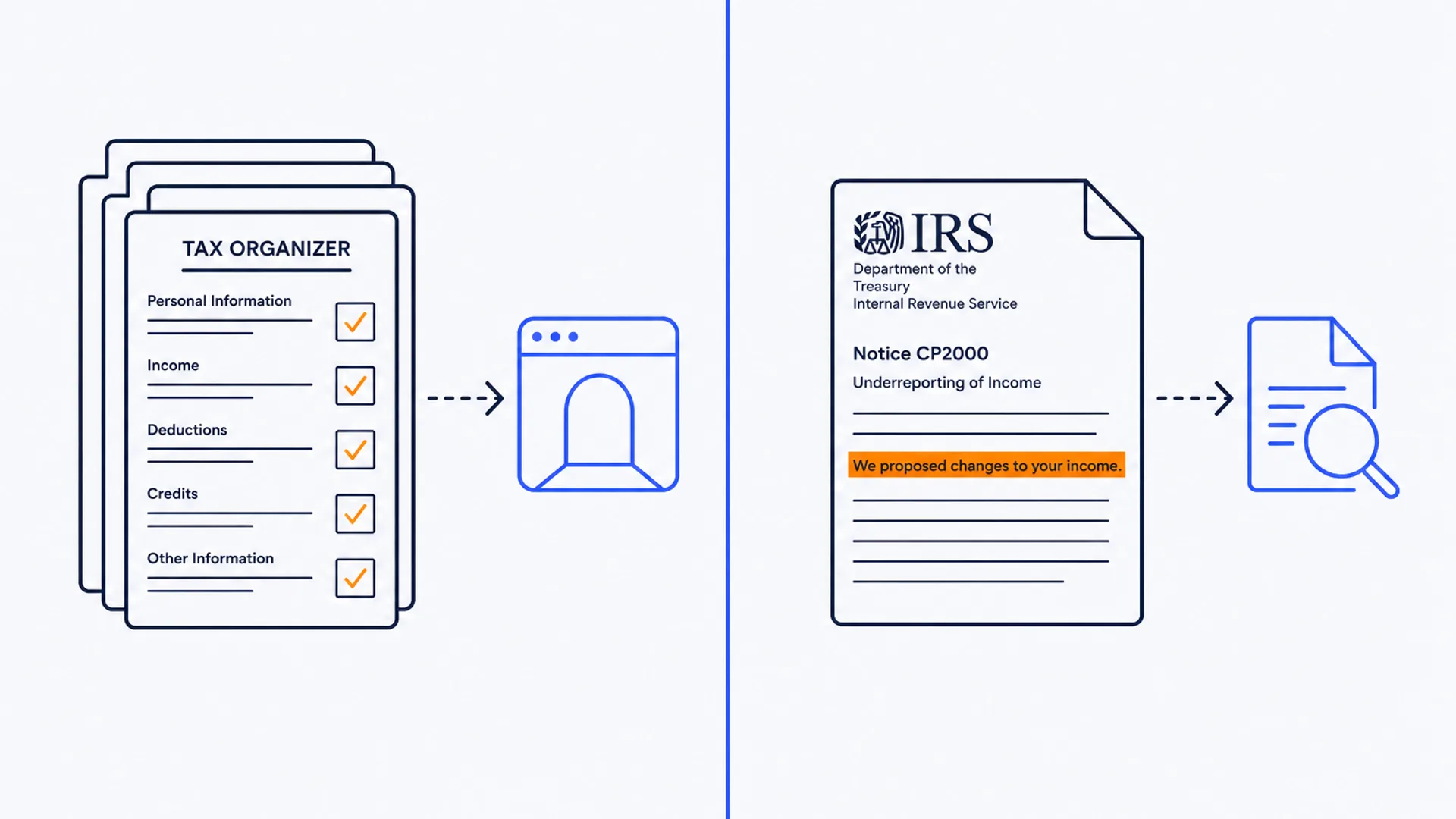
TaxDome covers the same ground as Karbon, client portal, workflow templates, billing, document management, but builds the whole product around US tax-prep season. Pre-filing tax organizers are the centerpiece: clients fill in a structured questionnaire inside the portal instead of a back-and-forth email thread, which is the exact feature Karbon does not offer.

The trade-off is pricing structure and trial access, not features. TaxDome bills annually per user, from $800 a year on Essentials up to $1,200 a year on Business, and offers no free trial at all, the same gap that sends firms away from Karbon in the first place. A firm switching from Karbon to TaxDome purely to escape the no-trial problem will find the identical wall waiting on the other side. The switch only makes sense if the actual complaint is the missing tax organizers, not the inability to pilot the tool first.

Canopy: AI baked into the base tier, but US only

Canopy runs a CRM, workflow, time tracking, billing, and client portal in one system, and puts AI features, checklist generation, email thread summarization, and form auto-fill, into the entry-level Standard plan rather than gating them behind a higher tier. That base plan starts at $74 per user per month, billed annually, and Canopy offers a free trial to test it first, closing the exact gap Karbon leaves open.

The catch is geography. Canopy's tax integrations (Drake, ProConnect, UltraTax, direct IRS transcript pulls) and its whole product are built for the US market only. Karbon serves firms in the US, UK, Australia, and Canada with real customer bases in each; a UK or Australian practice moving from Karbon to Canopy would be trading a global tool for a US-only one.

Financial Cents: the passwordless portal at a fraction of the price

Financial Cents targets the same solo-to-small firm segment Karbon's pricing tends to price out. The Solo plan runs $19 a month for a single user, and Team plans start at $49 per user per month, both well under Karbon's $59 seat price. A 14-day free trial with no credit card required removes the exact friction Karbon does not solve.

Its standout feature is a passwordless client portal: clients click a link, upload documents, sign agreements, and pay invoices with no account to create. That is a genuinely different approach from Karbon's email-centric model, though Financial Cents trades reach for it, integrating only with QuickBooks Online and focusing on the US and Canada, where Karbon connects to QuickBooks, Xero, and a wider set of collaboration tools across more countries.

Jetpack Workflow: workflow only, nothing else to configure

Jetpack Workflow does not attempt to replace Karbon's shared inbox or client portal. It tracks recurring jobs, monthly bookkeeping, payroll, tax prep, through templated checklists and team assignments, and stops there. No billing, no document management, no portal.

That narrow scope is the point for firms that already have a portal and billing tool elsewhere and just want a clean way to see what is due and who owns it. Pricing is a flat $40 per user per month on annual billing, with a 14-day free trial. A firm relying on Karbon's shared-inbox collaboration as the actual reason it bought the tool will find Jetpack Workflow does not replace that piece at all; it solves a narrower problem than Karbon does.

Pixie: priced by client count, not by seat

Pixie covers workflow, a client CRM, deadline tracking, document requests, and e-signatures, roughly the same functional footprint as Karbon's Team plan, minus the email-centric collaboration model. The real difference is the pricing structure: Pixie charges a flat monthly fee by client count, from $129 a month for up to 250 clients, with unlimited team members included. A firm on Karbon paying $59 per seat feels every new hire on the invoice; a firm on Pixie only feels growth in its client roster.

Pixie backs that with a 30-day free trial. The trade-off is integration depth: Xero and QuickBooks connections run through Zapier rather than natively, so a firm that wants tight two-way ledger sync should weigh that against the pricing win before switching.

Karbon alternatives compared

ToolPricing modelStarting priceFree trialBest fit
KarbonPer user$59/user/monthNoMixed compliance and advisory firms built around a shared inbox
TaxDomePer user, annual$800/user/yearNoTax-heavy practices needing built-in organizers
CanopyPer user$74/user/monthYesUS firms wanting AI features in the base tier
Financial CentsPer user$19/month (solo)YesSolo and small firms on a tight budget
Jetpack WorkflowPer user, flat$40/user/monthYesFirms that want workflow only, nothing bundled
PixiePer client, unlimited users$129/month (up to 250 clients)YesFirms adding staff faster than clients

Figures reflect what each vendor publishes as of this writing. Confirm the current number on the vendor's own pricing page before committing a client roster or your own team to an annual contract.

Choosing without trading one friction for another

Start with the complaint that actually sent you looking. If it is the missing trial, cross TaxDome off the shortlist too, since it shares that exact gap with Karbon; Canopy, Financial Cents, Jetpack Workflow, and Pixie all let a firm pilot with real client data first. If the complaint is budget, Financial Cents undercuts Karbon's seat price by more than half at the entry tier, and Jetpack Workflow's flat $40 rate beats it as well, though both trade away Karbon's shared-inbox model for a narrower or differently structured product.

If the complaint is that Karbon does not handle tax organizers, TaxDome is the direct answer, at the cost of reintroducing the no-trial problem. If the complaint is that per-seat pricing punishes a growing team, Pixie is the one tool here that breaks from that model entirely, charging by client count instead.

None of these five alternatives replicate Karbon's specific bet on email as the spine of firm-client collaboration; each solves a different piece of what Karbon does, at a different price and trial policy. For the client portal side of the comparison specifically, see Best Client Portal Software for Accountants, which covers portal-first tools that overlap with several of the options above.

Common questions

Why do firms look for a Karbon alternative in the first place?

Mostly one of three reasons: Karbon has no free trial or free tier, so a firm cannot pilot it before signing an annual contract; it has no built-in tax organizers, which matters for tax-heavy practices; and its collaboration model assumes a team of five to fifty, which does not fit a solo practitioner managing clients from a personal inbox.

Which Karbon alternative has a free trial?

Canopy, Financial Cents, Jetpack Workflow, and Pixie all offer one. TaxDome does not, matching Karbon's own no-trial policy, so a firm leaving Karbon specifically to get a trial period should rule TaxDome out along with Karbon.

Is there a cheaper alternative to Karbon?

Financial Cents starts at $19 a month for a single user, and its Team plans run $49 per user per month, both under Karbon's $59 seat price. Jetpack Workflow's flat $40 per user per month also undercuts Karbon, though it drops the client portal and billing features Karbon includes.

Does any Karbon alternative price by client instead of by seat?

Pixie is the one tool in this comparison that does. It charges a flat monthly fee based on client count, from $129 a month for up to 250 clients, with unlimited team members included at every tier, which matters for a firm that expects to add staff faster than it adds clients.

Can a firm replace Karbon's shared-inbox model exactly?

Not really. None of TaxDome, Canopy, Financial Cents, Jetpack Workflow, or Pixie builds its collaboration around a shared email inbox the way Karbon does. TaxDome centers on tax organizers, Canopy on bundled AI features, Financial Cents on a passwordless portal, Jetpack Workflow on job tracking alone, and Pixie on flat per-client pricing. A firm switching away from Karbon should expect to adopt a different collaboration habit, not a like-for-like swap.

Working through trial access, pricing model, and firm size by hand takes longer than it needs to. The CurateSuite matchmaker takes a few questions about your firm's size, budget, and workflow and returns the practice management tools that fit, results shown immediately with no email required.

Find the right AI tools for your firm

Seven questions, two minutes, a short list of the five tools that fit your firm best. Your results, instantly. No sign-up needed.

Take the matchmaker

Tools referenced in this article

More articles

Last updated 2026-08-06. Tool comparisons are based on vendor-published specs. See our methodology.