CurateSuite
Comparison8 min read

Hubdoc vs AutoEntry: Which Still Makes Sense in 2026?

Hubdoc is free with Xero. AutoEntry charges by credit but covers six ledgers. The choice comes down to one thing: how many different ledgers your client list actually runs on.

By CurateSuite
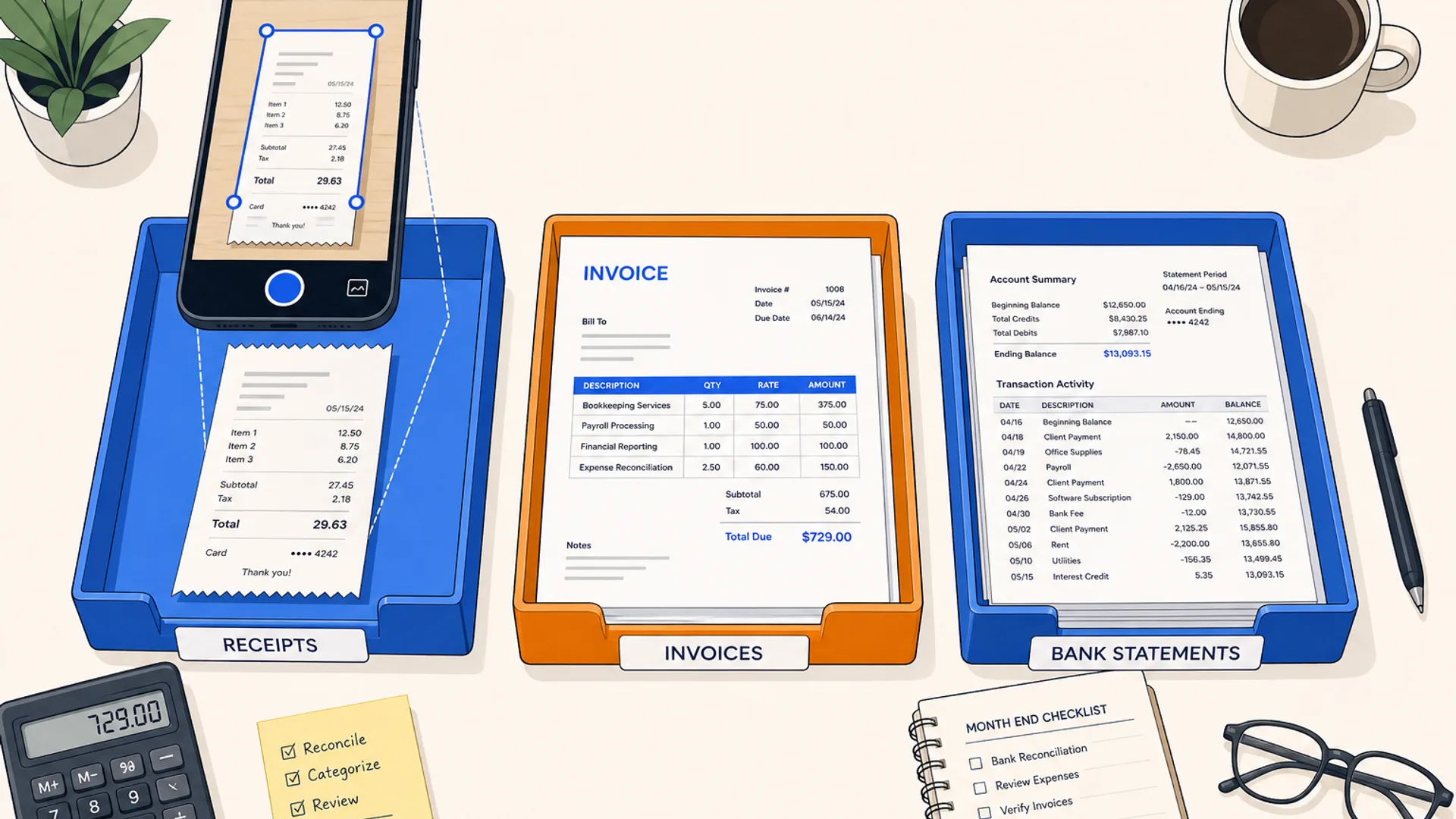
Overhead flat-lay of a bookkeeper's desk with two document trays side by side, one labeled with a Xero-blue folder icon and one with a stack of mixed-format invoices from different software logos, a smartphone mid-scan above the trays, on a warm off-white surface with brand blue and orange accents

Hubdoc and AutoEntry both grab a receipt or invoice and post the data into your ledger, and both have been doing that job since before "AI" was the word vendors reached for. Neither has added the AI-coding layer that Dext built its pitch around, and neither is trying to. That is not a knock on either tool. It means the choice between them does not hinge on features at all. It hinges on one thing: how many different accounting platforms sit across your client list.

Hubdoc answers to Xero. It is bundled free into every paid Xero plan, and that single fact decides most of the comparison before you look at anything else. AutoEntry answers to no one ledger. It connects to six platforms on a shared credit pool that does not care which one a given document came from. A firm running one ledger and a firm running four are answering a different question, and this article works from that split rather than a feature-by-feature scorecard.

The short answer

  • All or nearly all clients on Xero: pick Hubdoc. It ships free with any paid Xero plan, so for a Xero-only book there is no separate bill to weigh against AutoEntry at all.
  • Clients spread across Sage, QuickBooks, FreeAgent, KashFlow, or ClearBooks alongside Xero: pick AutoEntry. One credit pool, one login, unlimited users, and it does not matter which of the six ledgers a document is headed for.
  • A mostly-Xero book with a handful of exceptions: many firms run both. Hubdoc handles the free Xero majority, and AutoEntry's entry tier covers the smaller non-Xero group, rather than paying Hubdoc's per-business rate for clients it was not really built for.
  • Running Sage, FreeAgent, KashFlow, or ClearBooks with no Xero clients at all: Hubdoc is not an option. It only connects to Xero and QuickBooks, so the decision is already made.

The ledger-mix filter

Skip the pricing tables for a moment and answer one question: across your full client list, how many different accounting platforms show up?

One ledger, and it's Xero. Hubdoc is included on paid Xero plans, so a Xero-only firm gets document capture for a cost that is already sunk into the software it is paying for regardless. There is little reason to add a second tool for the same job.

One ledger, and it's QuickBooks. Both tools work here. Hubdoc runs standalone from about $12 per business per month; AutoEntry starts at $13 a month for 50 document credits shared across every client, with unlimited users on every tier. For a small QuickBooks book, price them against your actual client count and document volume rather than assuming either is automatically cheaper.

Two or more ledgers, including anything Hubdoc does not reach. Sage, FreeAgent, KashFlow, and ClearBooks are all outside Hubdoc's connection list, so any firm with clients on those platforms needs a second tool regardless. AutoEntry covers all four plus Xero and QuickBooks from one account, which is the more direct answer than running Hubdoc for the Xero slice and something else entirely for the rest.

Team size is growing faster than the client list. AutoEntry's unlimited users on every credit tier means adding a bookkeeper does not move the bill. Hubdoc's per-business pricing is not seat-based either, but outside a Xero bundle it charges per client entity, which scales with book size rather than headcount either way.

Hubdoc: free with Xero, and built to stay that way

Hubdoc logs into supplier portals and bank accounts on a schedule, pulls new bills and statements automatically, and pushes the extracted data to Xero or QuickBooks. Xero owns Hubdoc, and that ownership shows in the scope: coverage has stayed fixed at those two ledgers rather than expanding outward the way a standalone vendor might. For a firm that has already standardized on Xero, that narrowness is a feature. It means one less integration to worry about and one bill that is already covered.

Standalone pricing, for firms not on a qualifying Xero plan, runs about $12 per business per month. That rate is per client entity, so a bookkeeper running Hubdoc standalone across many small QuickBooks clients pays that $12 separately for each one rather than against a shared pool. A free trial is available with no card required.

AutoEntry: one credit pool across six ledgers

AutoEntry reads receipts, invoices, bank statements, and supplier documents and posts the results into Sage, Xero, QuickBooks, FreeAgent, KashFlow, or ClearBooks, the widest ledger list of any tool built for this job. Pricing runs on credits rather than seats or per-business fees: one credit per document, plans from $13 a month for 50 credits up to $469 a month for 2,500, with a 90-day rollover on unused credits and unlimited users included at every tier. A free trial comes with 25 credits and no card required.

Because the credit pool is shared across the whole account, a firm juggling clients on five different platforms is not managing five separate subscriptions or five separate per-entity charges. Everything draws from the same pool, and only rising document volume moves the bill up a tier, not the number of ledgers or the number of staff touching the account. AutoEntry is also recognized by HMRC for Making Tax Digital workflows, which is relevant for UK practices building toward MTD compliance.

Where the pricing actually diverges

Feature areaHubdocAutoEntry
Pricing mechanismPer business, free with paid XeroShared credit pool, one credit per document
Starting price$0 with Xero, $12/business standalone$13/month (50 credits)
LedgersXero, QuickBooks onlySage, Xero, QuickBooks, FreeAgent, KashFlow, ClearBooks
Unlimited users includedNo, priced per businessYes, every tier
Best forXero-only client booksClient lists spanning multiple ledgers
Free trialYesYes, 25 credits

For a firm scaling past a handful of clients, the per-business versus shared-pool split matters more than the sticker price on either tool's entry tier. Hubdoc's rate multiplies by client count once you are outside a Xero bundle. AutoEntry's multiplies by document volume instead, spread across however many clients and ledgers happen to generate that volume.

Neither tool suggests coding, and that is by design

Both Hubdoc and AutoEntry stop at extraction: supplier, date, amount, and tax, posted to the ledger for review. Neither one suggests which account or tax treatment to apply the way Dext's coding rules do. If the bottleneck in your workflow is the review and coding step after data lands in the ledger rather than the data entry itself, that gap is worth knowing about before choosing either tool over Dext. The full breakdown of that three-way trade-off, including where Dext's custom quote tends to land, is in Dext vs AutoEntry vs Hubdoc. For invoice-heavy workflows specifically, the best invoice OCR software in 2026 covers tools built around line-item extraction rather than general receipt capture.

Capture is also only the front end of the document problem. Once bills and receipts are extracted and posted, most firms still need somewhere to keep the source documents for retention and audit trail. Neither Hubdoc nor AutoEntry is built for that job; see AI document management for accounting firms: what works for the storage side once capture is done. Both tools are covered in more depth, alongside the rest of the category, in the full roundup of OCR and document capture software for accountants.

Running the filter on two real setups

A bookkeeping firm with 40 clients, all on Xero, mostly simple monthly bills. One ledger, and it's Xero. Hubdoc is already covered on every client's paid plan. Adding AutoEntry here would mean paying credits for a job Xero already includes.

A firm with 25 clients split across Xero, Sage, and FreeAgent, adding staff every few months. Multiple ledgers rules Hubdoc out for two-thirds of the book, and the growing headcount favors a tool where adding staff does not move the bill. AutoEntry covers all three platforms from one account with unlimited users, so it replaces what would otherwise be Hubdoc for the Xero clients plus a separate solution for the rest.

Common questions

Is Hubdoc really free, or is there a catch?

It is free in the sense that matters: any business on a paid Xero plan gets full Hubdoc access at no extra cost, because Xero owns Hubdoc and bundles it in. The catch, if there is one, is scope. Hubdoc only works with Xero and QuickBooks, so that free bundling does nothing for a client on any other ledger.

Does AutoEntry cost more than Hubdoc for a small firm?

Not necessarily. For a firm entirely on Xero, Hubdoc is free and AutoEntry would be an added cost. For a firm on QuickBooks or spread across multiple ledgers, compare AutoEntry's $13-a-month, 50-credit entry tier against Hubdoc's roughly $12-per-business standalone rate at your actual client count. Once a firm passes a handful of QuickBooks-only clients, Hubdoc's per-entity charge can pass AutoEntry's shared credit cost.

Can I run Hubdoc and AutoEntry together?

Yes, and it is a common setup for firms with a mostly-Xero book plus a smaller group of clients on other ledgers. Hubdoc covers the free Xero majority, and AutoEntry's entry-tier credits handle the rest, rather than paying Hubdoc's per-business rate for clients outside its natural fit.

Do either of these tools suggest how to code a transaction?

No. Both Hubdoc and AutoEntry extract the supplier, date, amount, and tax fields and post them for review, but neither suggests an account or tax treatment. That coding-suggestion layer is what Dext adds on top of extraction, at a custom-quoted price built around document volume and user count.

Which one works better for UK firms on Making Tax Digital?

AutoEntry is recognized by HMRC for Making Tax Digital workflows, which gives it an edge for UK practices building toward MTD compliance specifically. Hubdoc's fit for UK firms depends entirely on whether the client is on Xero, since that is one of only two ledgers it connects to.

Running the ledger-mix filter by hand only takes a minute, but if you would rather answer a few questions about your client list and team size and get a firm-specific recommendation, the CurateSuite matchmaker does that without requiring an email to see the results. The full document capture and extraction category is also worth a look if your client list does not fit neatly into either tool's ledger coverage.

Find the right AI tools for your firm

Seven questions, two minutes, a short list of the five tools that fit your firm best. Your results, instantly. No sign-up needed.

Take the matchmaker

Tools referenced in this article

More articles

Last updated 2026-07-16. Tool comparisons are based on vendor-published specs. See our methodology.