CurateSuite
List11 min read

Best AI Expense Management Tools for Firms

Of the three catalog expense tools with a free tier, no two cover the same market: Ramp is US-only, Moss is UK and EU-only, and Brex's free plan stops at two entities. Here is where the paid, no-free-tier option fits the gap.

By CurateSuite
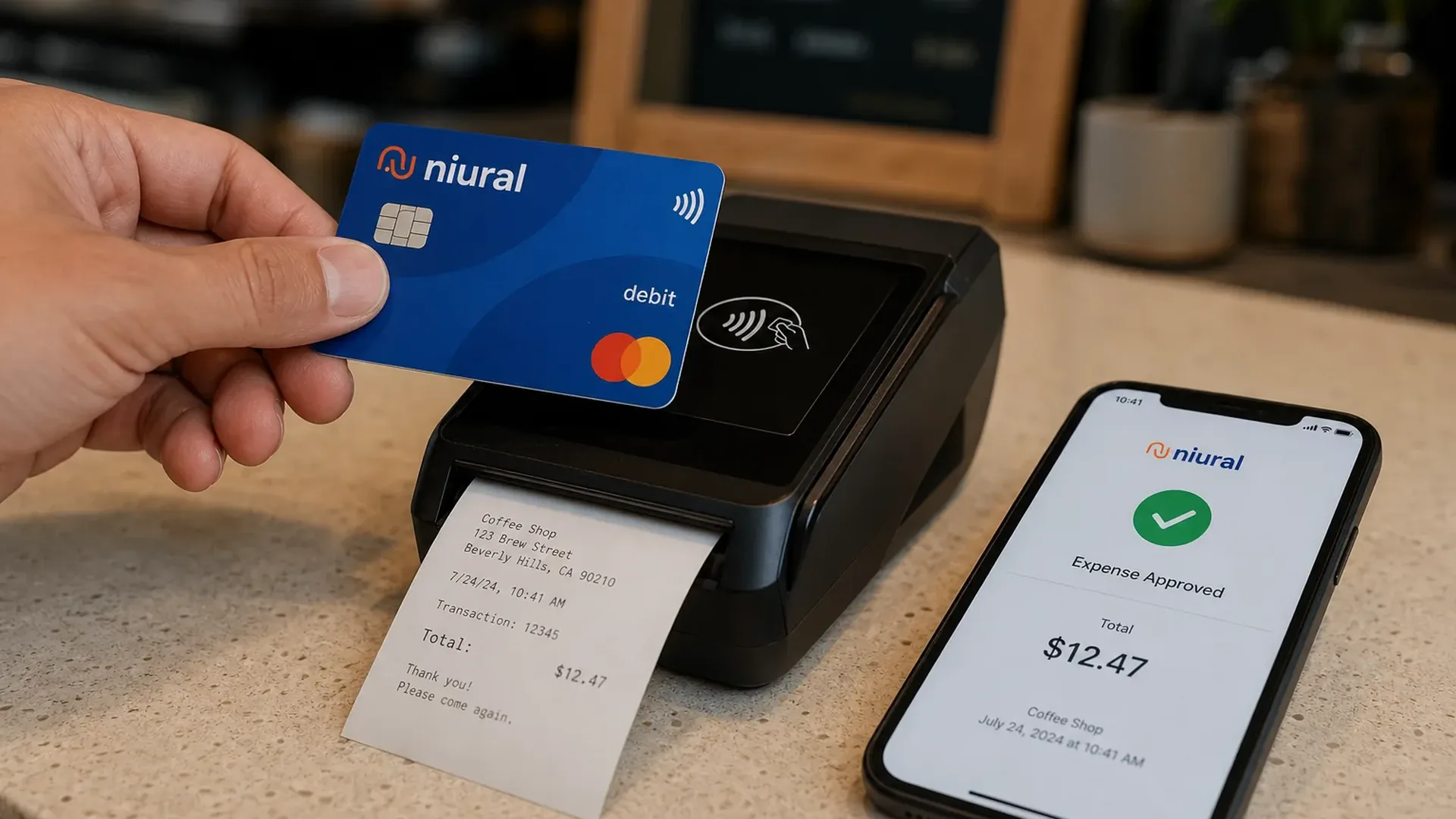
Close-up of a hand tapping a corporate debit card against a wireless payment terminal on a cafe counter, a paper receipt printing from the terminal, and a smartphone beside it showing an expense-approved screen with a green checkmark and the transaction total

Three of the four catalog tools built for employee expense management offer a free plan, and none of those three free plans cover the same business. Ramp issues cards only to companies registered in the United States. Moss operates only in the UK, Germany, Austria, and the Netherlands. Brex's free Essentials plan works almost anywhere but caps out at two entities before the per-seat Premium tier kicks in. The one tool left standing, Rydoo, has no free tier at all, a five-user minimum, and is the only one of the four actually built for a team spending across more than a handful of countries.

That split matters more than any feature comparison, because "free" is doing different work in each case. A free plan funded by card interchange (Ramp) is a real zero-cost option, not a bait tier, and Brex's free Essentials tier is a real zero-cost option too, but each comes with a geography or entity-count ceiling baked into the business model. A firm sorting clients into expense tools needs to know which ceiling applies before comparing anything else. This guide sits one layer below accounts payable automation, which handles what a business owes its vendors; expense management is the other half of the spend picture, what employees spend on cards, receipts, and reimbursements.

The short answer

  • US small and mid-sized clients that want free cards and expense coding: Ramp bundles corporate cards, automated expense coding, and basic bill pay on a free base plan funded by card interchange, no monthly fee.
  • Clients with up to two entities that want a global card program: Brex's free Essentials plan covers corporate cards, expense rules, and bill pay for up to two entities with no per-seat fee, and accepts cards globally.
  • UK and European small businesses: Moss combines cards, reimbursements, and accounts payable for teams in the UK, Germany, Austria, and the Netherlands, free for up to three users and 20 invoices a month.
  • Mid-market or multinational teams with real travel spend: Rydoo handles per diems, mileage, and multi-currency policy checks across more than 80 countries, from about $9 per user a month with a five-user minimum.
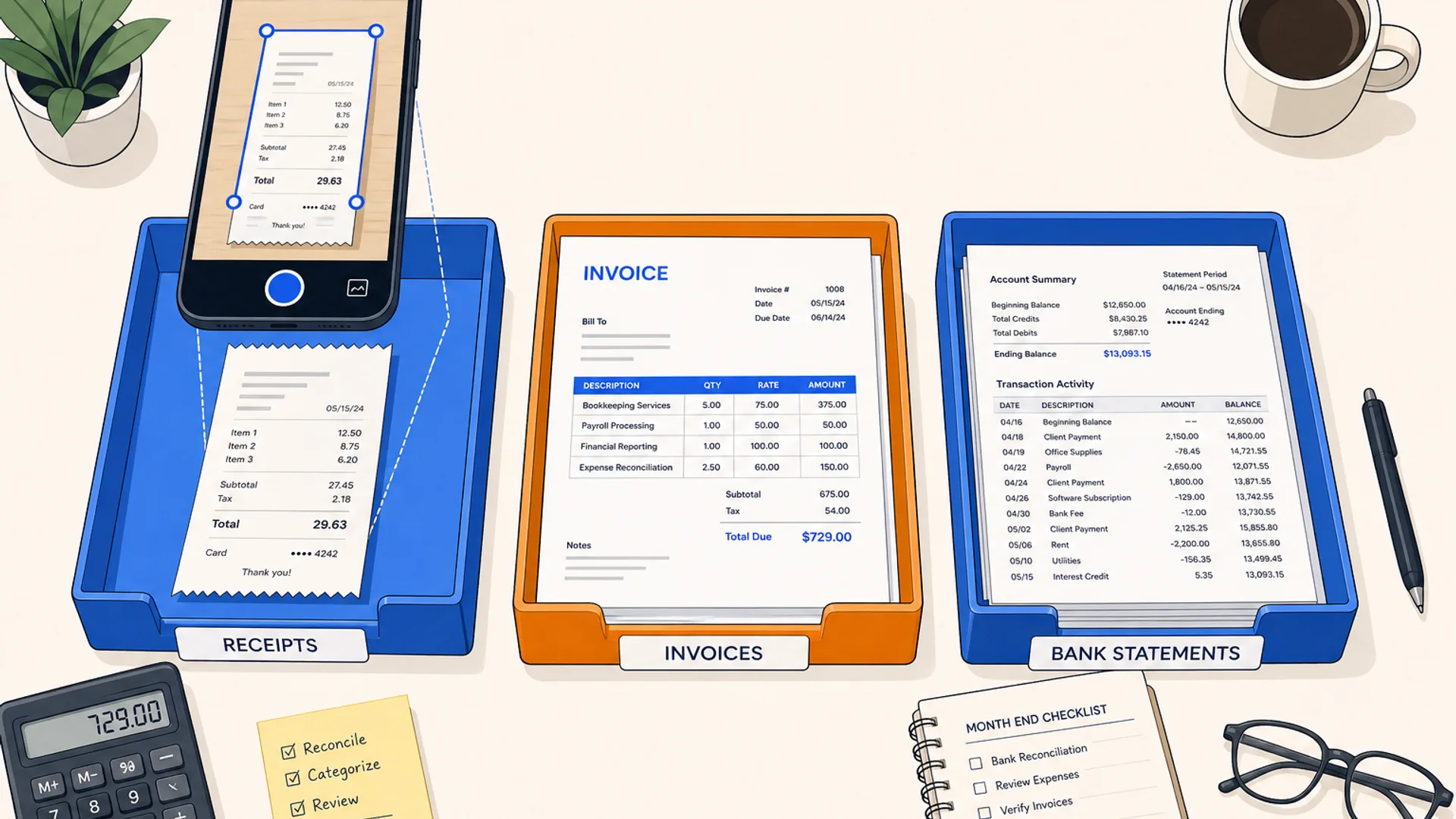
  • Clients that just need receipts filed, not a card program: Receipt AI captures receipts by text, email, or photo and posts them into QuickBooks Online or Xero, starting at $29 a month, with no cards or approval workflow attached.

The rest of this guide breaks down why the free tiers do not compete with each other, compares all five tools on a single table, and groups them by the client situation each one actually fits.

What AI expense management software actually does

Expense management covers what employees spend, not what a business owes its suppliers. The core loop is the same across every tool in this category: issue a card or accept a submitted receipt, match the spend to a receipt automatically, run it through a policy check or approval chain, and post the result to the ledger. Where the tools diverge is in what sits around that loop: corporate cards with per-employee spend limits, multi-currency and per-diem handling for staff who travel, HRIS sync so approval rules follow the org chart, or nothing more than fast, accurate receipt capture for a team that already has a card program elsewhere.

That is a different job than paying a vendor's invoice, which is what AP automation software does, and different again from collecting money a client is owed, which the accounts receivable automation guide covers. Some vendors blur the line: Ramp and Brex both bundle basic bill pay alongside expense management, and a firm already running vendor payments through BILL or Stampli may not need a separate expense tool at all if employee spend is light. This guide assumes the actual problem is employee cards, receipts, and reimbursements, not vendor bills.

Why the same "expense management" tag splits into four different products

Free, US-only, funded by card interchange: Ramp

Ramp launched in 2019 with a specific angle: most corporate cards pay cashback on every dollar spent, which quietly rewards overspending, so Ramp built a card that limits spend per employee and per vendor instead, and funds itself from interchange fees rather than a subscription. The base plan is free and covers corporate cards, expense management, basic accounts payable, and accounting sync with QuickBooks, Xero, NetSuite, and Sage. Receipts match to transactions automatically, and coding suggestions draw on past entries. The Plus plan, $15 per user a month with a 20 percent discount on annual billing plus a team-size platform fee, adds AI-driven expense review and deeper ERP connections. The one hard limit: Ramp issues cards only to businesses registered in the United States, so an international client is out regardless of size.

Free, but capped at two entities: Brex

Brex covers similar ground to Ramp, corporate cards, automated expense rules, bill pay, and reimbursements, on a free Essentials plan with no per-seat fee, and it accepts cards globally rather than issuing to the US alone. The catch sits in entity count rather than geography: Essentials covers up to two entities, and a client running a third needs the Premium tier at $12 per user a month, which adds customizable expense policies, dynamic approval chains, AI-driven compliance audit detection, and HRIS connections. Enterprise pricing above that covers unlimited entities and local card issuance in more than 50 countries. For a firm with an international client structured under two entities, Brex reaches further than Ramp does; for a client with three or more, the free tier stops applying.

Free tier, but UK and EU only: Moss

Moss takes a modular approach: corporate cards, employee reimbursements, and accounts payable in one platform, with a genuinely free plan for up to three users, unlimited cards, and up to 20 invoices a month. Paid tiers drop the per-user model entirely, charging a platform fee plus whichever modules a team turns on (cards, reimbursements, AP), quoted on request. Moss connects to Xero, NetSuite, QuickBooks Online, Sage Intacct, Microsoft Dynamics, and DATEV, with that last connection reflecting real depth in the German market. The constraint is geography: Moss operates only in the UK, Germany, Austria, and the Netherlands, and is regulated in Germany, so it is not an option for a US client no matter how small.

No free tier, built for teams that spend across borders: Rydoo

Rydoo is the odd one out among the four: no free plan, a five-user minimum, and pricing that starts around $9 per user a month on annual billing for Essentials, rising to about $11 for Pro, with custom Business and Enterprise tiers above that adding cards, API access, and SSO. What that price buys is depth the free tools do not offer: AI receipt scanning, per-diem handling, mileage tracking, multi-level approvals, and compliance checks across more than 80 countries, plus HR system sync with Workday and ADP so approval rules follow staff as they move between cost centers. Rydoo is squarely an employee-expense product, not a vendor-bill one: it has no accounts-payable module for invoices or vendor payments. It is the right fit once a client's staff actually cross borders often enough that per diems and multi-currency policy checks are a real recurring need, not an edge case.

Capture only, no cards or approvals: Receipt AI

Receipt AI is not a full expense platform and does not claim to be. It solves one specific problem: a receipt gets texted, emailed, or photographed the moment it is created, and the tool extracts the amount, vendor, and date, checks for duplicates, and posts the result into QuickBooks Online or Xero. There are no cards, no spend limits, and no approval chain. Pricing starts at $29 a month for one user and 100 receipts, rising to $99 for five users and 500 receipts, with QuickBooks and Xero sync unlocking at that tier. For a client whose real problem is a shoebox of paper receipts rather than a need for corporate cards, this is a cheaper, narrower purchase than any of the four full platforms above.
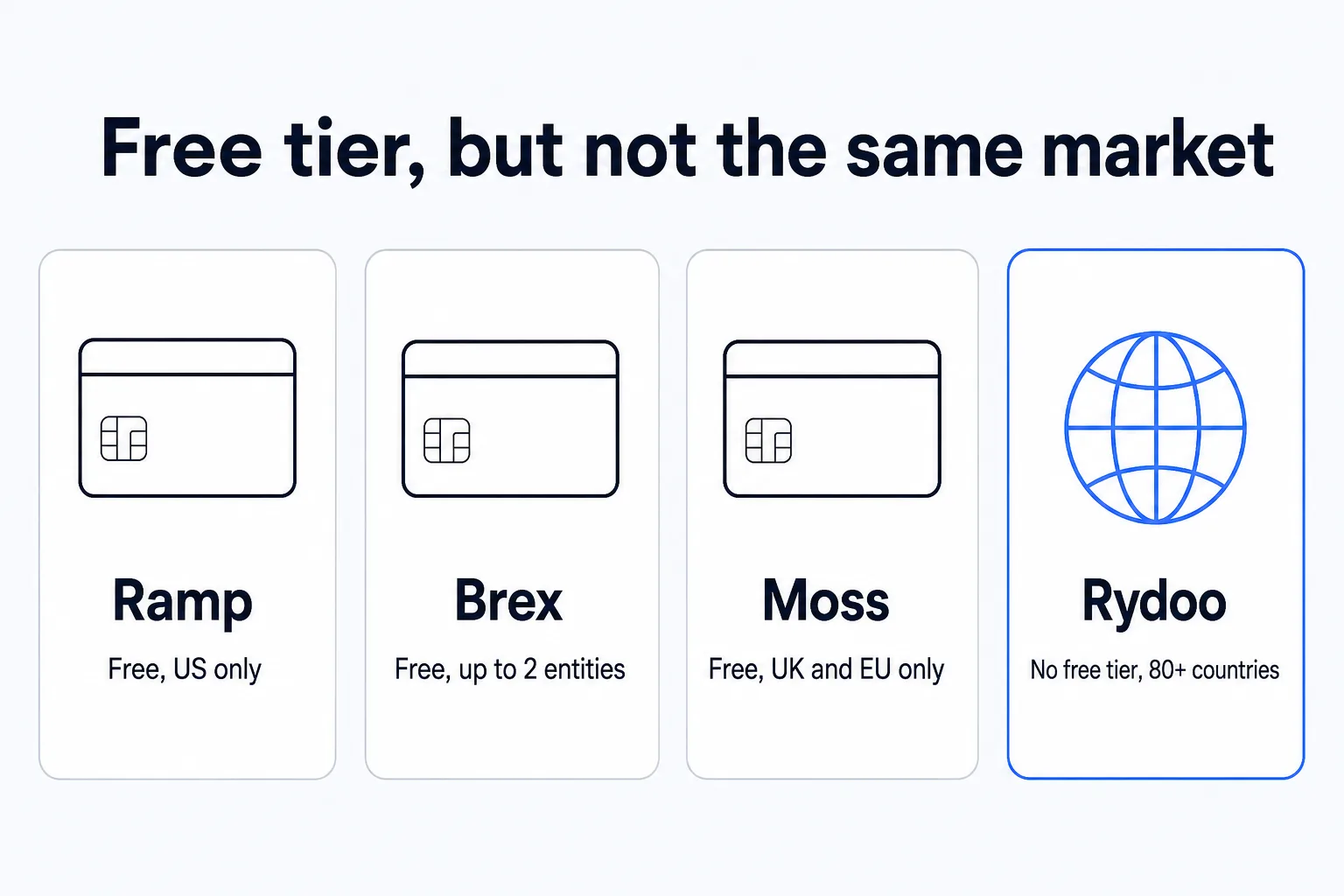

Four catalog tools tagged for employee expense management, split by free-tier geography and price: Ramp free but US-only, Brex free but capped at two entities, Moss free but UK and EU only, and Rydoo with no free tier at all but the only one built for spend across 80-plus countries

Expense management software comparison: pricing and fit at a glance

ToolPricing modelStarting priceGeographyBest fit
RampFree, interchange-funded$0US onlyUS small and mid-sized clients that want free cards and expense coding
BrexFree up to 2 entities, then per user$0 (Essentials); $12/user (Premium)Global acceptance (Essentials); 50+ countries local issuance (Enterprise)Clients with up to two entities that want a global card program
MossFree up to 3 users, then modular$0 (Free); quoted (paid)UK, Germany, Austria, NetherlandsUK and European small businesses
RydooPer user, 5-user minimum$9/user/month80+ countriesMid-market or multinational teams with real travel spend
Receipt AIFlat, per member/receipt tier$29/monthUS and Canada (SMS); global (email/upload)Clients that just need receipts filed, not a card program

Figures reflect what each vendor publishes as of this writing. Confirm the current number on the vendor's own pricing page before a client signs anything, since entity caps, user minimums, and modular pricing all shift with plan changes.

Picking expense management software for your client mix

US clients that want cards and expenses bundled free

For a domestic client with a normal single-entity structure, Ramp's free base plan is the default starting point: corporate cards, automated coding, and basic bill pay with no monthly fee, on QuickBooks, Xero, NetSuite, or Sage. The trade-off is the US-only card issuance; a client with any international entity needs to look elsewhere regardless of how small that entity is.

Clients with more than one entity, anywhere in the world

Brex's free tier covers up to two entities with global card issuance, which makes it the better fit than Ramp for a client with even a small international presence. Once a client runs a third entity, the Premium plan at $12 per user a month is the honest comparison point against Rydoo's per-user pricing rather than against Ramp's fully free tier, since Brex is no longer free at that scale either.

Clients based in the UK or Europe

Moss is the only one of the four with a real free tier built for a UK or European business: up to three users, unlimited cards, and 20 invoices a month at no cost, with DATEV support that matters specifically for a German client. Neither Ramp nor Brex's free tier is designed around a UK or EU client the way Moss is, and Ramp does not serve that market at all.

Multinational or mid-market teams with real travel and per-diem needs

Once a client's staff actually cross borders on a regular basis, per diems, mileage, and multi-currency policy checks stop being a nice-to-have and become the actual workload. Rydoo is built specifically for that case, with compliance checks that vary by country and HR sync through Workday or ADP so approval rules follow staff as they move. The five-user minimum and lack of a free tier rule it out for a very small client, but that is also not the client this tool is built for.

Clients that just need receipts filed, not a card program

A client generating a steady stream of paper receipts but not asking for corporate cards or multi-step approval chains does not need any of the four full platforms above. Receipt AI's text-and-photo capture into QuickBooks Online or Xero solves that narrower problem at a lower monthly cost, and it is a reasonable interim step before a client's expense needs grow into a real card program.

Firms already running vendor payments through BILL or Stampli

A firm that already handles vendor bills through BILL or a similar AP tool should check what that platform already covers before adding a separate expense tool. Both Ramp and Brex fold basic bill pay in alongside cards and expenses, so a client with light vendor volume may not need two separate subscriptions at all; the full AP automation comparison covers where that overlap actually helps.

How to decide without over-buying

Start with geography and entity count before looking at features, because those two facts eliminate most of the list before pricing even enters the conversation. A US-only client with one entity fits Ramp's free tier cleanly. A client with two entities anywhere in the world fits Brex's free tier. A UK or European client fits Moss. None of those three free tiers actually compete for the same client, so picking between them is rarely close once geography and entity count are known. Rydoo is the outlier worth paying for specifically when a client's staff travel across enough countries that per-diem and multi-currency compliance become a recurring task rather than an occasional exception, and Receipt AI is worth buying specifically when the problem is receipts, not cards.

The CurateSuite AP, AR, and payments category covers the full set of catalog tools spanning vendor bills, customer collections, and employee spend, useful once a client's actual bottleneck turns out to sit on a different side of the ledger than expense management.

Common questions

What is the difference between expense management and AP automation?

Expense management covers what employees spend: corporate card transactions, submitted receipts, mileage, and reimbursements. AP automation covers what a business owes its vendors: bills, approval routing, and vendor payment. Ramp and Brex blur the line by bundling basic bill pay into their expense platforms, but Rydoo and Moss keep the two closer to separate, and a client with heavy vendor volume usually still needs a dedicated AP tool alongside whichever expense platform handles employee spend.

Why do Ramp, Brex, and Moss all offer a free plan?

Ramp funds its free tier from card interchange fees rather than subscription charges, which is why the base plan carries no monthly cost as long as employees are spending on the issued card, and Brex's free Essentials tier carries no per-seat fee either. Moss offers a free tier capped by user count and invoice volume rather than interchange, then moves to modular paid pricing once a team outgrows those caps. In all three cases, the free tier is a real product tier tied to a specific limit (US-only issuance for Ramp, a two-entity cap for Brex, a three-user and 20-invoice cap for Moss), not a trial that expires.

Can a client outside the US use Ramp?

No. Ramp issues cards only to businesses registered in the United States, so an international client needs a different tool regardless of size. Brex is the closer alternative for a client with global card needs and no more than two entities, and Moss is built specifically for UK and European businesses.

Is Rydoo worth the cost over a free alternative like Ramp or Brex?

It depends on whether the client's spend is actually multinational. Rydoo has no free tier and a five-user minimum, so it costs more than Ramp or Brex from day one. What that cost buys is per-diem handling, multi-currency compliance checks, and HR system sync built for staff working across more than 80 countries, depth the free tools do not carry. For a domestic client or one with only a couple of entities, Ramp or Brex's free tier covers the same core job for less money.

If comparing four expense platforms and a receipt-capture tool by hand is more than the decision is worth, the CurateSuite matchmaker takes a few questions about a firm's client mix and geography and returns the expense tools that actually fit, results shown immediately with no email required.

Find the right AI tools for your firm

Seven questions, two minutes, a short list of the five tools that fit your firm best. Your results, instantly. No sign-up needed.

Take the matchmaker

Tools referenced in this article

More articles

Last updated 2026-07-24. Tool comparisons are based on vendor-published specs. See our methodology.